How to Create a Wedding Website with Photo Gallery
Learn how to create a stunning wedding website with a photo gallery. A step-by-step guide to choosing the right platform, organizing photos, and engaging your guests.
In the digital age, a wedding website isn't just a trend , it's a necessity. It serves as the central information hub for your guests, a registry portal, and most importantly, a beautiful archive of your journey. But not all websites are created equal. To truly capture the magic, you need a wedding website with a photo gallery.
Imagine a single link that tells your love story through photos, collects RSVPs, and later becomes a collaborative album where every guest contributes their candid shots. This guide will walk you through exactly how to build that experience.
Why Prioritize a Photo Gallery?
A simple text-based site gets the job done, but visual storytelling connects emotionally with your guests before they even arrive. A dedicated photo gallery serves multiple purposes:
- Builds Anticipation: Sharing engagement photos or "through the years" throwbacks gets guests excited.
- Centralizes Memories: Instead of chasing photos across Instagram hashtags, you have one high-quality archive.
- Post-Wedding Engagement: It gives guests a reason to return to your site after the big day to see professional shots and their own contributions.
Step 1: Choose the Right Platform
Not all website builders handle images well. You need a platform that supports high-resolution uploads, grid layouts, and mobile responsiveness. Here are the main types:
General Builders
Platforms like Squarespace or Wix offer immense design freedom but can be overwhelming to set up and expensive for just a single event.
Dedicated Event Platforms
Tools like PicBee are designed specifically for this. They combine RSVPs with advanced gallery features like face recognition and QR code guest uploads.
For most couples, the dedicated route wins on speed-to-launch and on the features that actually matter for a wedding (RSVP, registry links, guest photo collection).
Step 2: Curate Your Visual Content
Before you start building, gather your assets. A cluttered gallery is worse than no gallery.
- The "How We Met" Selection: 5–10 photos showing the progression of your relationship.
- The Proposal: High-emotion shots that tell the story of the "Yes!"
- Engagement Shoot: Professional, high-res images that set the tone for the website's color palette.
- Family & Friends: Include shots with your bridal party to make them feel special.
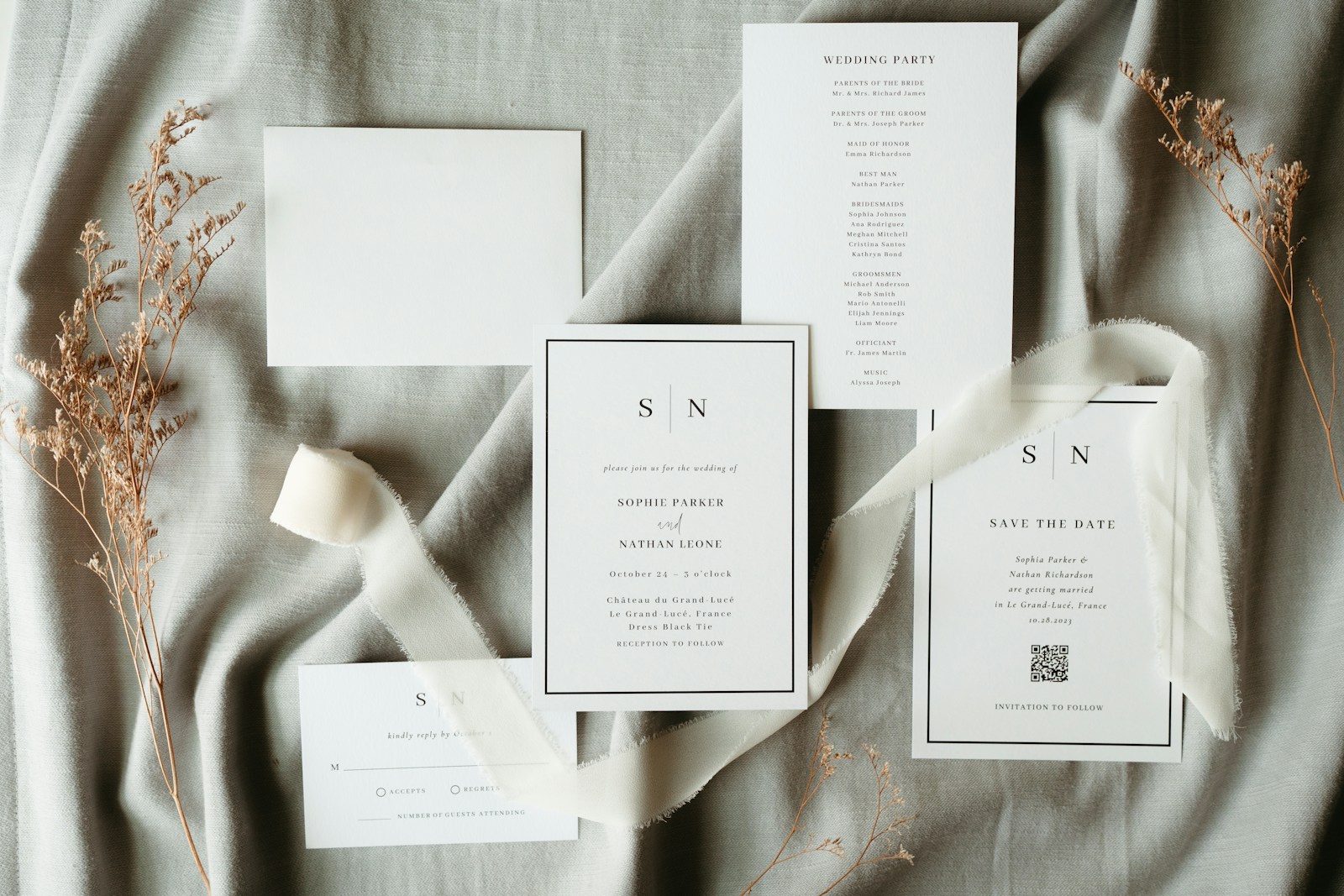
Step 3: Structure Your Wedding Website
A great wedding website with a photo gallery needs structure. Don't dump everything on the homepage.
The Homepage
Use your absolute best photo as the "Hero" image. This should be a high-resolution landscape shot. Overlay your names and the date clearly.
The Gallery Page
This is where the magic happens. Organize your photos into albums or sections:
- Pre-Wedding: Childhood photos, dating life.
- The Big Day (Placeholder): Create a section that says "Wedding Photos Coming Soon."
- Guest Uploads: Create a space where guests know they can contribute later.
Step 4: Advanced Features to Look For
To truly stand out, use modern technology to make your photo gallery interactive.
QR Code Integration
Place QR codes on guest tables, visible on menus or centerpieces. When scanned, these codes should lead directly to your site's upload section. This turns every guest into a second shooter, capturing candids that the professional photographer might miss.
Privacy Controls
You don't necessarily want your wedding photos public to the entire internet. Ensure your platform allows password protection for specific albums (like the "Late Night Party" album) while keeping the main ceremony photos accessible.
High-Res Downloads
Ensure your guests can download the photos they are in without aggressive paywalls. The best wedding websites allow unlimited full-resolution downloads for guests, making it easy for family to print their favorite memories.
Step 5: Mobile Optimization is Non-Negotiable
90% of your guests will visit your wedding website from their phones. They will be checking the address from an Uber or looking up the registry while walking into the store.
When building your site, always preview it in "Mobile View." Check that:
- The gallery loads quickly over 4G/5G connections.
- Buttons (RSVP, Upload) are large enough to tap easily.
- The navigation menu is collapsible and intuitive.
- Maps open directly in the native map application (Google Maps / Apple Maps).
Step 6: SEO & Sharing
Wait, SEO for a wedding site? Yes! You want your website to appear when Grandma Googles "Sarah and Mike wedding."
- Title Tags: Set your site title to "Name & Name's Wedding , Date , Location."
- URL: Use a custom domain like
sarahandmike.com. It's easier to remember and print on invites. - Description: Add a short meta description: "Join us for the wedding of Sarah and Mike. RSVP, view photos, and see details."
Did You Know? PicBee offers a specialized solution for this exact need. We automatically create a stunning website for your event, generate QR codes for guest uploads, and even use AI to sort photos by face , so guests can find themselves instantly.
Frequently Asked Questions
When should I launch my wedding website?
Ideally, as soon as you send out Save the Dates (6–8 months before). The gallery feature can be added later as photos become available.
Can I combine a registry with a photo gallery site?
Yes, most modern platforms allow you to link external registries (like Zola or Amazon) directly in your navigation menu.
How do I get guests to actually upload photos?
Gamify it! "Photo Scavenger Hunts" are popular. Also, make the QR code unavoidable , place it on the back of the menu or on a card at each place setting.
Should I make the site public or password-protected?
Public for the main info pages (so guests can find it from Google). Password-protect the gallery and the address page if you're concerned about privacy.
Wrap-Up
Creating a wedding website with a photo gallery transforms a logistical necessity into a lasting keepsake. It engages your guests, simplifies photo collection, and ensures that the thousands of dollars you spent on photography are actually seen and appreciated.
Don't settle for a static page. Build a dynamic, visual experience that honors your story.
Ready to launch your wedding site in 10 minutes?