By occasion

Photo sharing that matchesthe kind of night you're hosting

Features tell you what PicBee can do. Solutions tell you how weddings, corporate events, parties, and festivals actually use it, so guests stop losing photos in chat threads.

The same pain at every event size

Whether it is 40 guests or 4,000, photos scatter. PicBee is the shared home for pro shots and guest phones, organized by how people behave at that occasion.

WhatsApp chaos

One event link

Stop asking guests to resend photos. They upload once into your gallery.

Sorting forever

Face search

Guests take a selfie and jump to photos of themselves instead of scrolling.

Rented hardware only

Phone booths & POV

Run strips and disposable-style cameras from phones and QR codes.

Delivery feels unfinished

Flipbooks & PDFs

Turn the same gallery into something guests reopen and print.

Choose your occasion

Each path has its own guest habits. Start where your event lives, then open the playbooks underneath.

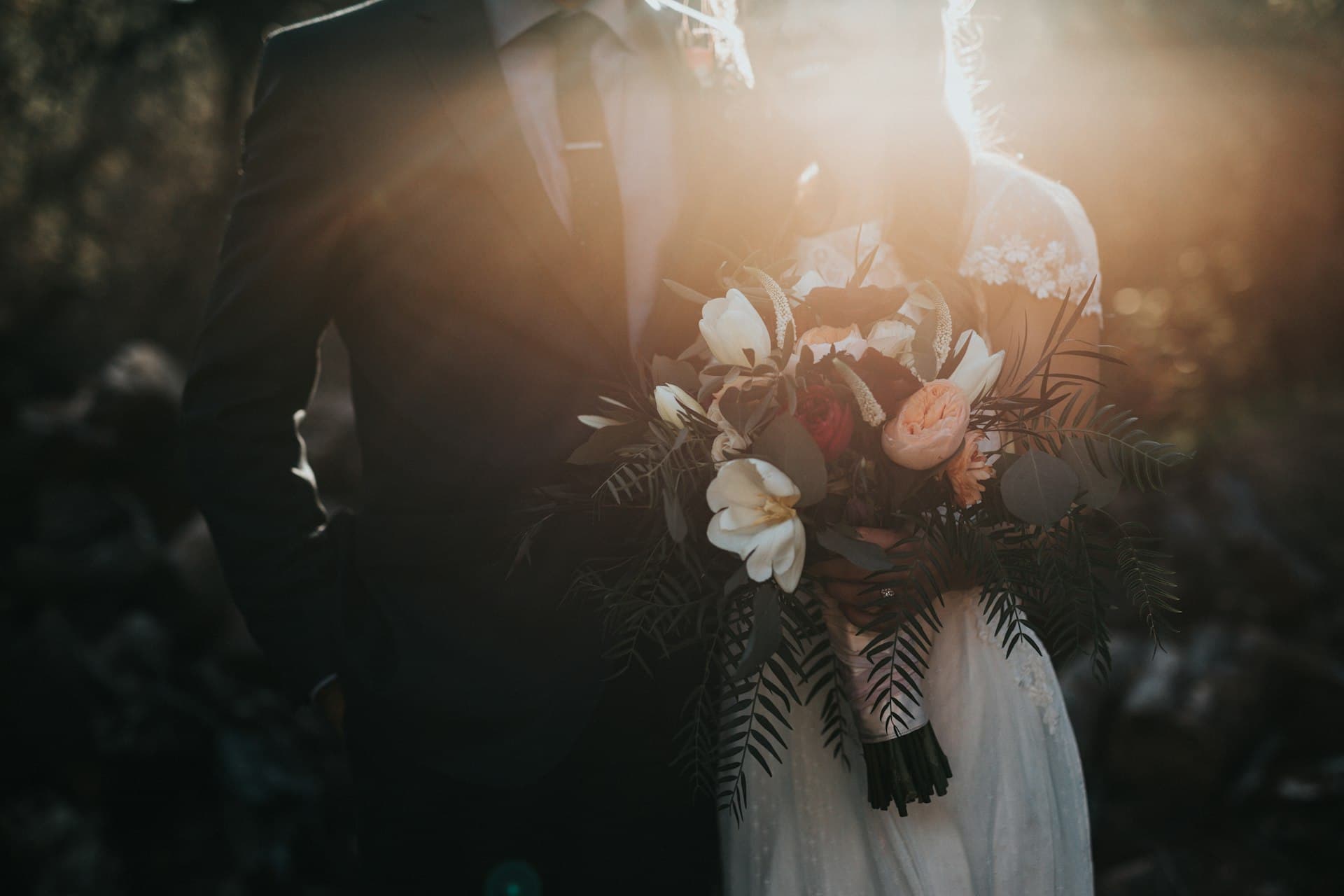
Wedding celebration photos

Weddings

The mess: Hundreds of phones. Group chats overflowing. Relatives asking for photos weeks later.

One gallery for the weekend. Guests find themselves with face search. You leave with a flipbook, not a scavenger hunt.

  • Multi-day albums
  • Guest QR uploads
  • Face search for relatives
Open weddings solution
Corporate event photography

Corporate events

The mess: Conferences and parties produce thousands of shots that never leave the photographer hard drive or Slack.

A branded event site with analytics, optional passwords, and attendee self-serve downloads.

  • Custom branding
  • Attendance-friendly face search
  • Usage analytics
Open corporate events solution
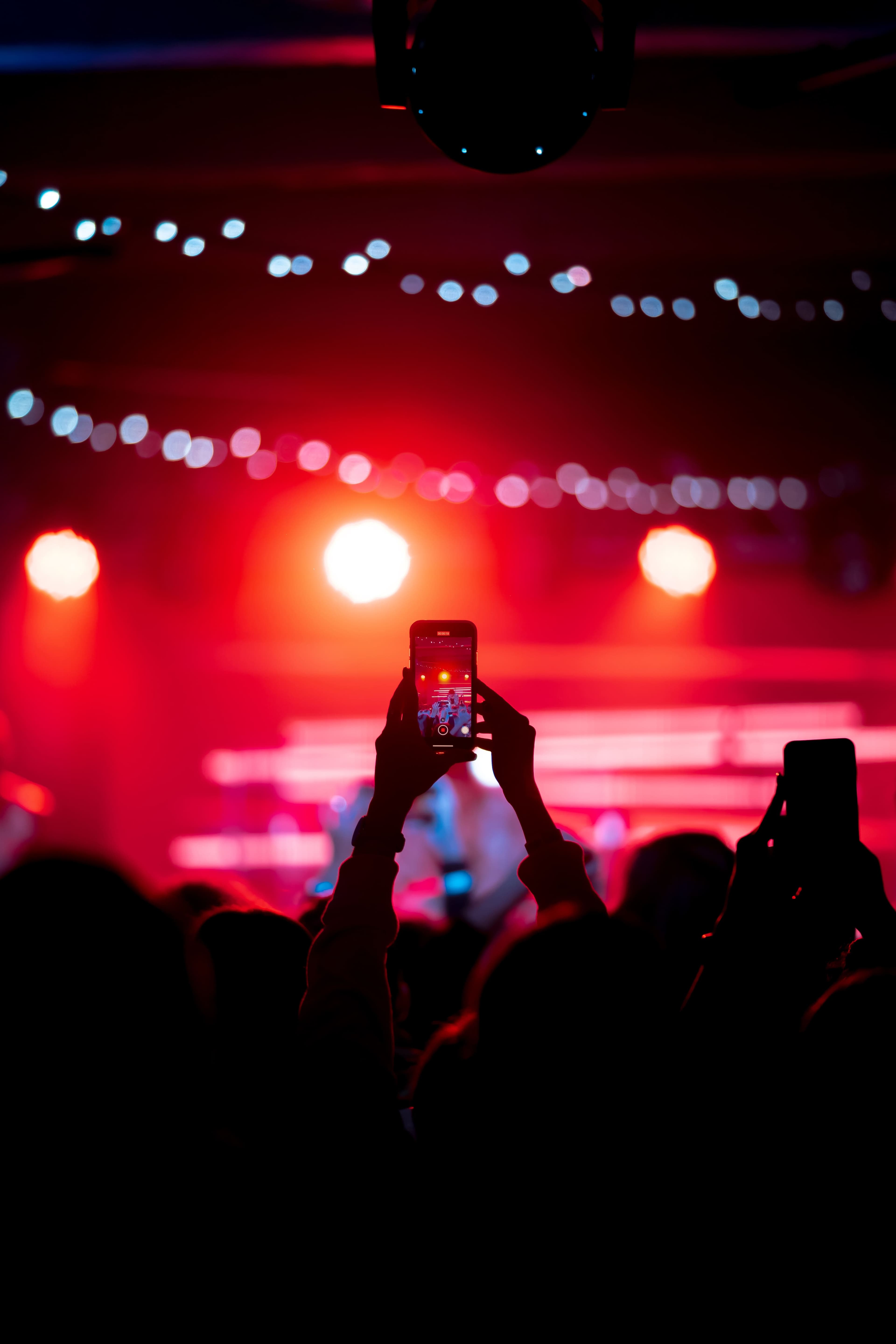
Birthday party celebration

Parties & celebrations

The mess: Birthdays and reunions live in random camera rolls. Hosts never get a clean album to share.

QR on the cake table, booth strips guests love, and a gallery that stays open after the party ends.

  • Photo booth & 4-cuts
  • No app for guests
  • Easy host setup
Open parties & celebrations solution

A guest-first night, in four moves

This is not a feature checklist. It is the sequence hosts and photographers repeat across occasions.

01

Pick your occasion

Start from a wedding, corporate, party, or festival setup so the defaults match the night.

02

Put QR codes where people gather

Tables, bars, entrances, booths. Guests open the browser, no download required.

03

Watch the gallery fill

Pro shots and guest uploads land together. Face search and albums keep it usable.

04

Share the keepers

Send the site link, export a flipbook, or download a print-ready photobook PDF.

Tools guests notice at the event

These show up differently at a wedding table versus a conference badge scan, but they solve the same “how do I contribute?” moment.

QR + POV stations

Place cameras where people linger. Uploads land in the event gallery live.

Selfie find

Especially useful when relatives or coworkers will never scroll 2,000 files.

Booth & 4-cuts

A shareable keepsake during the party, not only a gallery after.

After-event book

Close the loop with a flipbook or print PDF from the same photos.

Want the full product map? Visit Features · Compare plans

Solutions FAQs

Questions about picking an occasion path, not about plan pricing.

Pick an occasion and set up tonight

Create the event, drop QR codes where people gather, and let the gallery build itself.