

Perfect for every event
From intimate gatherings to large-scale productions, PicBee adapts to your needs. Branded galleries, guest QR uploads, face search, and live screens work for weddings, corporate conferences, parties, graduations, concerts, and sports events.
Give attendees one polished destination to contribute and download. Keep your team in control of branding, access, and analytics from registration through recap.
Event photos scatter across phones and Slack threads
Event teams invest in coverage, then struggle with delivery. Photographer folders arrive late. Guests only see a handful of posts on social media. Random uploads fill inboxes that nobody can search later when marketing or families need assets.
Large events make discovery worse. A networking reception or wedding dance floor can generate hundreds of candids, but speakers, sponsors, and guests cannot locate themselves without scrolling forever. Security and brand teams also worry about uncontrolled public albums floating around after the event.
PicBee gives organizers one branded destination. Attendees contribute through QR codes, find themselves with face search, and download within the access rules you set. Your team keeps analytics and a cleaner archive for recaps, follow-ups, and shared memories.
What organizers get with PicBee
- A branded gallery that matches event colors and identity
- QR access at tables, badges, registration desks, and session rooms
- Face search so guests self-serve their own photos
- Live screens that turn uploads into onsite engagement
- Analytics for uploads, views, and participation patterns
- Privacy controls suited to public, ticketed, and invite-only events
Photo tools that fit every event format
Professional enough for brand teams and planners, simple enough for guests between sessions.
Branded event websites for any occasion
Generate a responsive gallery site for each event with custom naming, colors, and domain. The site should feel like part of the event identity rather than a generic third-party folder.
QR flows that fit registration reality
Place codes on tables, badges, welcome cards, and entry screens. Guests join during natural pauses in the agenda instead of hunting for an app. That keeps participation high even when schedules are packed.
Face search for dense event galleries
When keynotes, dance floors, and receptions all feed one album, guests need a fast path to their own frames. Face search reduces support requests and helps people leave with usable photos.
Guest uploads that actually happen
Let every guest become part of the narrative. Uploads run from any phone in seconds, capture the intimate and unposed moments pros might miss, and feed one unified album automatically.
Live screens for lobbies, stages, and parties
Feed uploads to venue displays during high-energy blocks. Visible contributions encourage more sharing and give the room a shared visual pulse without disrupting the agenda.
Digital photobooks from event highlights
Turn the best frames into a designed photobook guests can flip, share, or download as a print-ready PDF. A polished recap asset for attendees, sponsors, and internal teams.
Analytics that show whether people engaged
Track uploads, views, and activity patterns so you can report more than vibes after the event. Understand which moments drove participation and whether the gallery became a useful resource.
Privacy and access controls
Use password protection, link-only access, or guest-list rules so photos stay with the intended audience. Important for internal offsites, leadership events, and private celebrations alike.
High-quality downloads with branding
Enable high-resolution photo downloads with optional watermarking. Guests leave with usable frames, organizers keep a polished archive that reinforces the event brand.
One branded hub from check-in to recap
A strong event gallery does two jobs. Onsite, it collects and displays moments while energy is high. Afterward, it becomes a reliable asset library for guests, internal comms, and follow-up marketing.
PicBee keeps those jobs connected. QR access and live screens drive contribution during the event. Branding, face search, photobooks, and analytics make the archive usable when the lights come back on.
- Branded galleries that feel aligned with your event website and materials
- Guest self-serve downloads that reduce post-event photo request volume
- Live lobby or ballroom screens that amplify participation in real time
- Photobooks and analytics snapshots for recap decks and sponsor reports
Event formats we support
Choose the format closest to your agenda and guest experience.
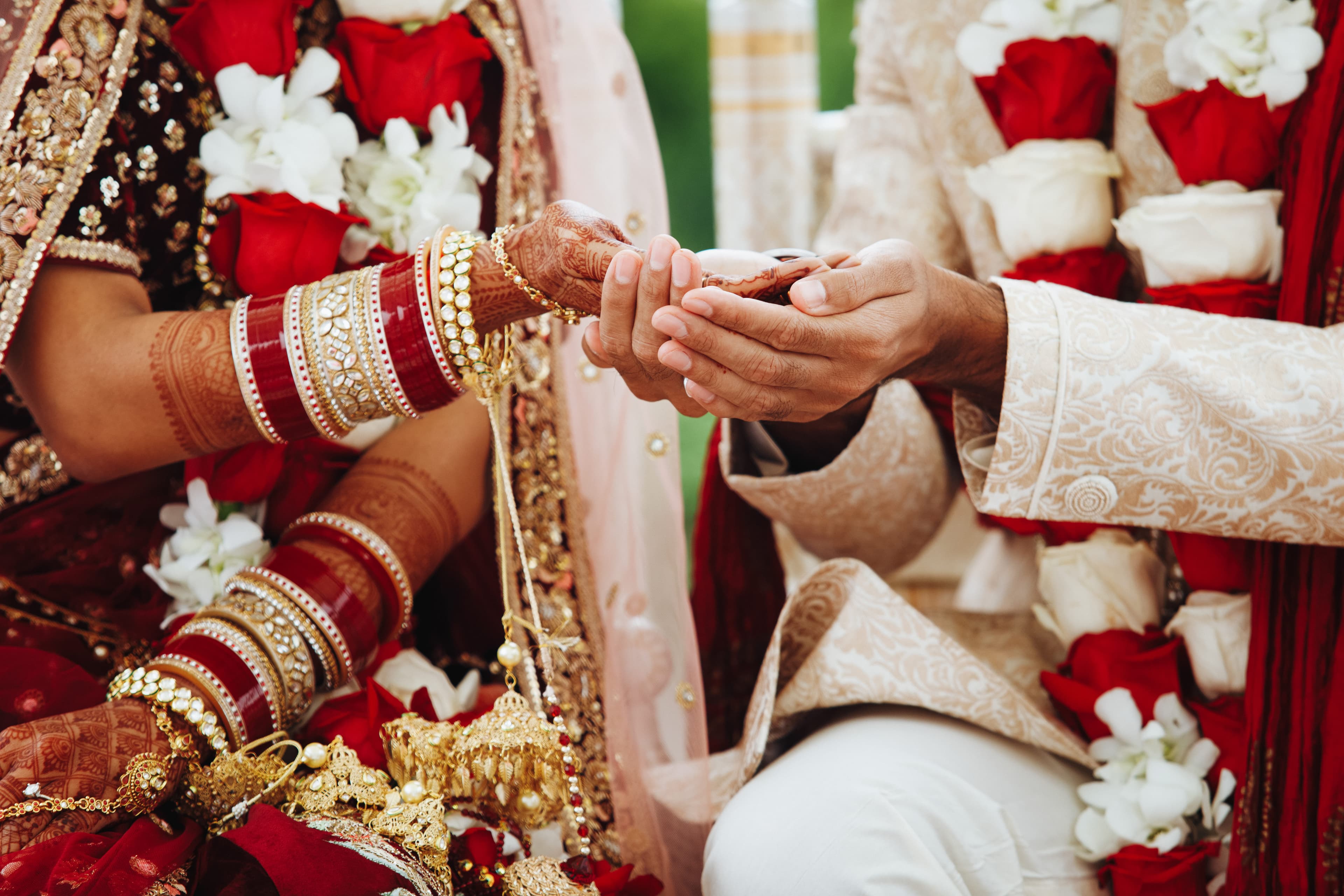
Weddings
Let guests become part of the narrative. QR codes on tables and welcome cards collect candids pros might miss. Face search helps aunties and cousins find themselves across the whole celebration weekend.
Corporate Events
Branded galleries for conferences, company parties, team building, award ceremonies, and trade shows. QR access at registration, face search across dense albums, and analytics for recap decks.

Birthdays & Parties
From first birthdays to grand anniversaries, turn every guest phone into a fun digital camera. Shared memory pool, live slideshow, and a polished album invite-friendly for the whole party.

Graduations
Manage massive graduation ceremonies with ease. AI sorts thousands of photos by graduate, making it simple for families to find their special moment in a sea of caps and gowns.
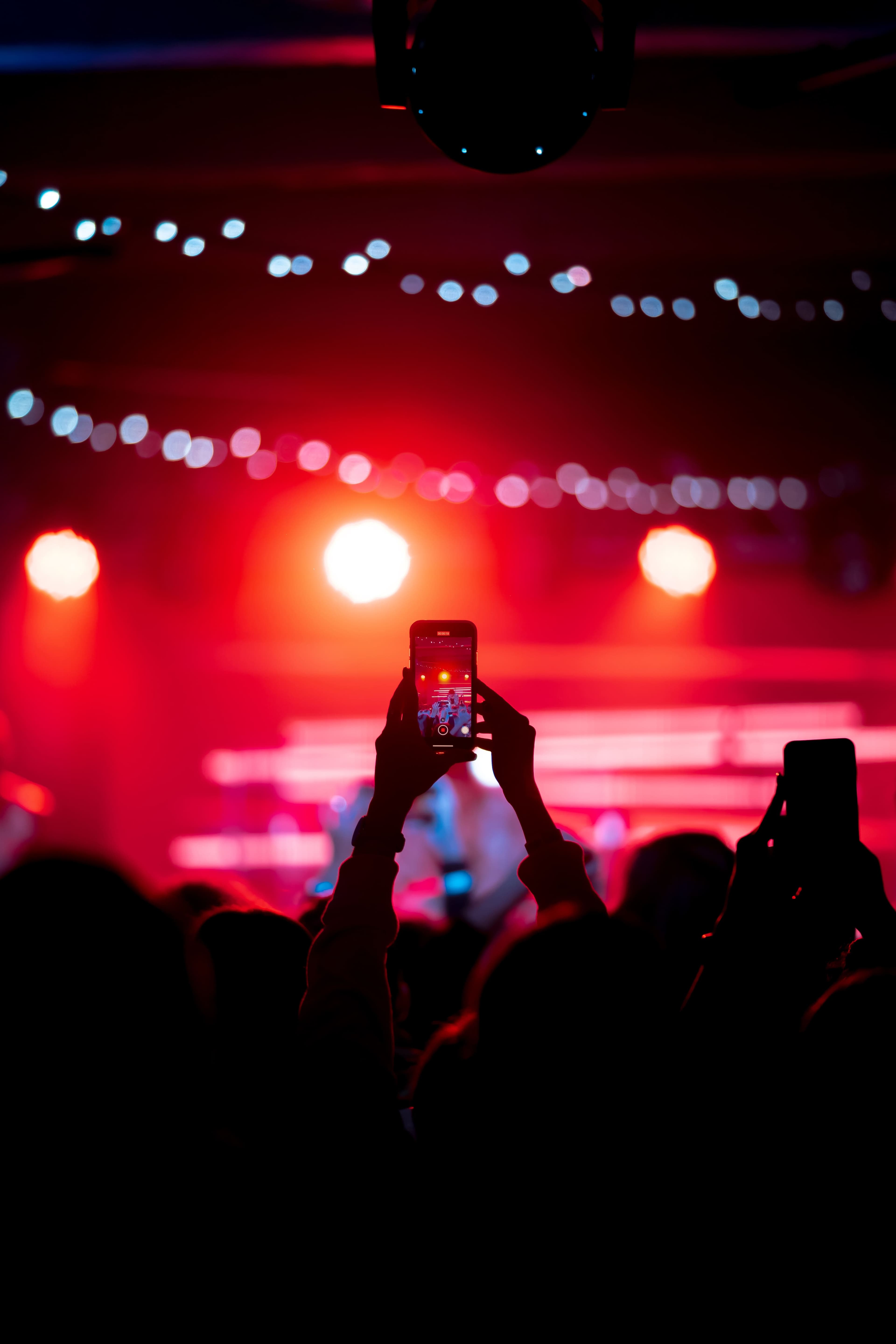
Concerts & Festivals
Bridge the gap between stage and crowd. Fans contribute their perspective, creating a visual record of electric nights. Branded overlays, social reach, and reusable marketing assets.
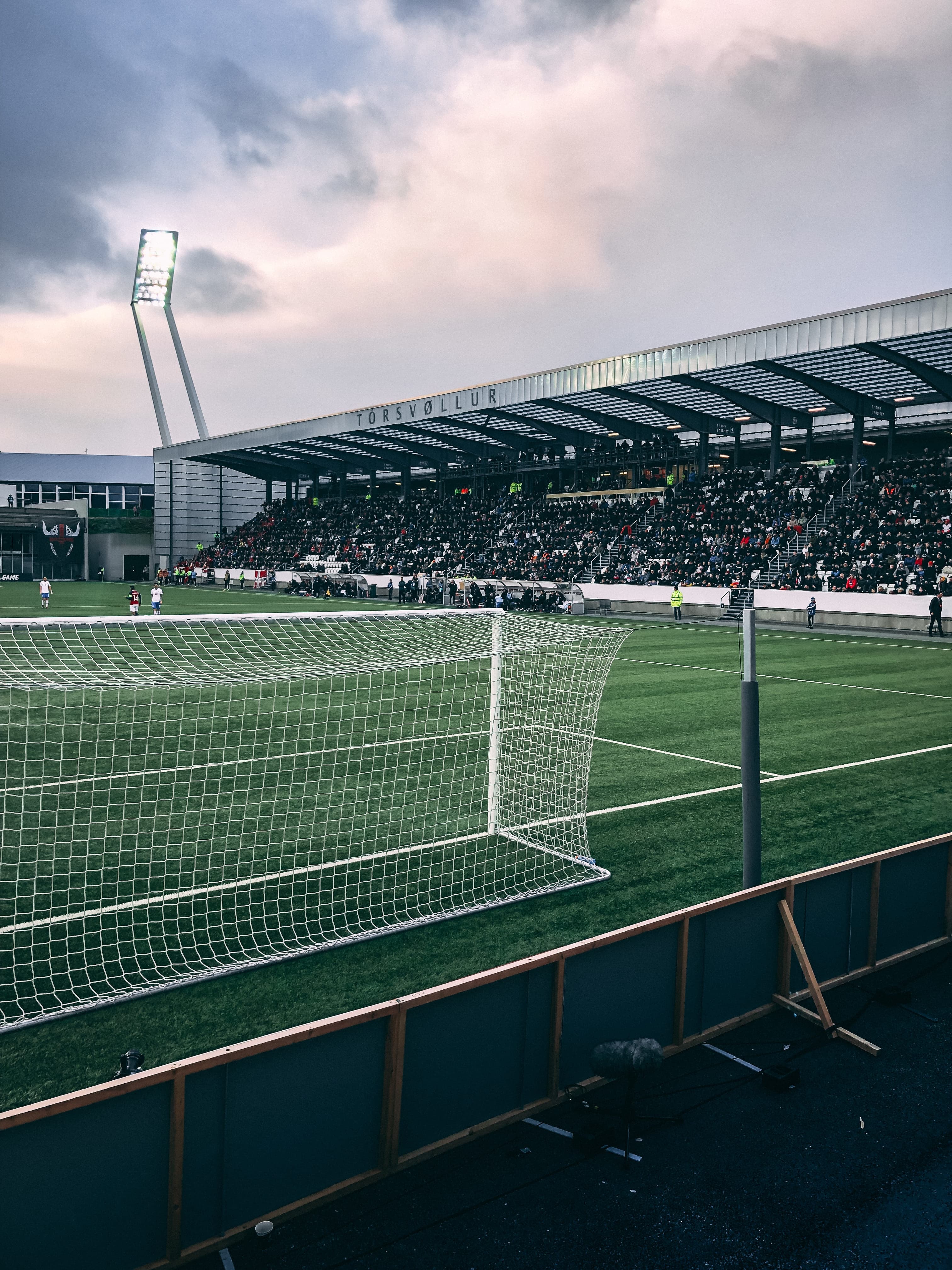
Sports Events
High-speed upload technology ensures the winning goal is on the dashboard before the celebration is over. Perfect for tournaments, school sports, and sponsor activations.
How organizers launch PicBee
A practical rollout that fits any event timeline.
Build the branded event gallery
Set naming, logos, and access rules. Decide whether the album is open to ticket holders, badge holders, or available more broadly with a password.
Deploy QR codes across touchpoints
Tables, registration, badges, session rooms, and evening venues all work. Make contribution visible so guests do not need repeated announcements.
Activate screens and review analytics
Run live displays during high-energy blocks, then use analytics and photobooks afterward for recaps, sponsor reports, and shared memories.
Event photo sharing FAQs
Launch a branded gallery before doors open
Create the event album, place QR codes at registration, and give guests a polished place to contribute and download.