
PicBee vs Kululu
Kululu made its name on live slideshow energy: guests upload, the screen updates, the room reacts. PicBee keeps that same real-time loop.
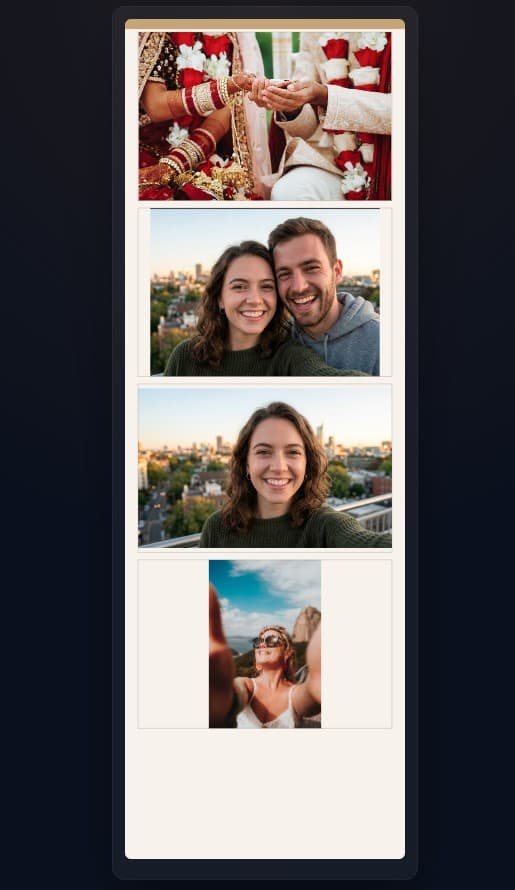
Where the products diverge is everything around the screen. PicBee adds face recognition so people can find themselves later, plus booth mode and 4-cut strips that turn contribution into an activity instead of a one-tap upload.
Our verdict
If your only requirement is a live slideshow fed by QR uploads, both PicBee and Kululu can light up a reception screen. The decision gets clearer once you care about the morning after, when guests want their own photos without scrolling a chronological wall.
PicBee is the stronger overall platform because face AI, booth mode, strips, photobooks, and custom domains sit on top of the same live-feed foundation. You do not give up slideshow magic to gain those layers.
Kululu is still workable for hosts who want a simple free slideshow and are fine without self-find or creative booth tooling. For planners and couples who want the screen moment plus a complete guest experience, PicBee is the clearer upgrade.
Feature comparison
| Feature | PicBee | Kululu |
|---|---|---|
| QR Code Photo Sharing | ||
| Face Recognition AI | ||
| Live Slideshow | ||
| No App Download Required | ||
| 4-Cut Photo Strips | ||
| Digital Photobooks | ||
| Photo Booth Mode | ||
| Custom Domain | ||
| Free Tier | ||
| Moderation Tools | ||
| Branding Removal | Premium only | |
| Download All Photos |
Pros and cons
PicBee
Pros
- AI face recognition for instant personal photo finding
- 4-cut photo strips and digital photobooks after the party
- Full photo booth mode with filters and templates
- Custom domain support for branded event galleries
- Live slideshow plus a more generous free starting point
Cons
- Newer brand recognition compared with longer-running slideshow apps
Kululu
Pros
- Solid live slideshow presentation for receptions
- Simple setup that hosts understand quickly
- Free tier available for basic events
- Basic moderation tools for on-screen safety
Cons
- No face recognition for large galleries
- No photo booth mode
- No strips or digital photobook creative tools
- No custom domain support
- Branding removal locked behind premium plans
Why PicBee goes further than slideshow-only apps
Live screens get applause for a night. Face AI and booth tools keep the gallery useful for weeks.
Live slideshow without losing the extras
PicBee feeds TVs and projectors as uploads arrive, just like Kululu. The difference is you are not forced to stop at the screen. The same gallery powers face search and keepsakes after the lights come up.
Face AI for the morning-after hunt
Guests who loved the live wall still struggle to locate themselves later. A selfie search solves that in seconds, which is why face recognition has become table stakes for modern wedding and party galleries.
Booth mode that feeds the wall
A booth station creates intentional captures with filters and framing. Those shots look great on the live screen and give shy guests a reason to participate beyond candid phone dumps.
4-cut strips guests want to keep
Strips turn the night into something tactile and shareable. They travel to Instagram stories and group chats in a way a plain slideshow frame rarely does, which pulls more energy back into the gallery.
Photobooks when the projector is packed away
After the venue closes, hosts still need a lasting artifact. Digital photobooks give you a curated finish that slideshow-only products do not emphasize.
QR entry with stronger branding control
Both apps avoid forcing a full download. PicBee adds custom domains and cleaner branding options so planners can present a client-ready experience instead of a generic free-tier watermark story.
Pricing comparison
PicBee
- Free tier with core QR sharing and gallery tools
- Paid plans unlock face AI, booth, and creative features
- Branding controls available on paid tiers
- Business pricing for planners running repeat slideshow events
Kululu
- Free tier for basic slideshow collections
- Premium plans required for fuller feature access
- Branding removal typically premium only
- No face AI or booth creative stack included
Frequently asked questions
Keep the live wall. Add face AI and booth tools.
Start free on PicBee and give guests a slideshow plus self-find, strips, and photobooks.