Photo Backup Strategies Every Photographer Needs
Protect your work with these essential backup strategies. The 3-2-1 rule explained for modern photographers.
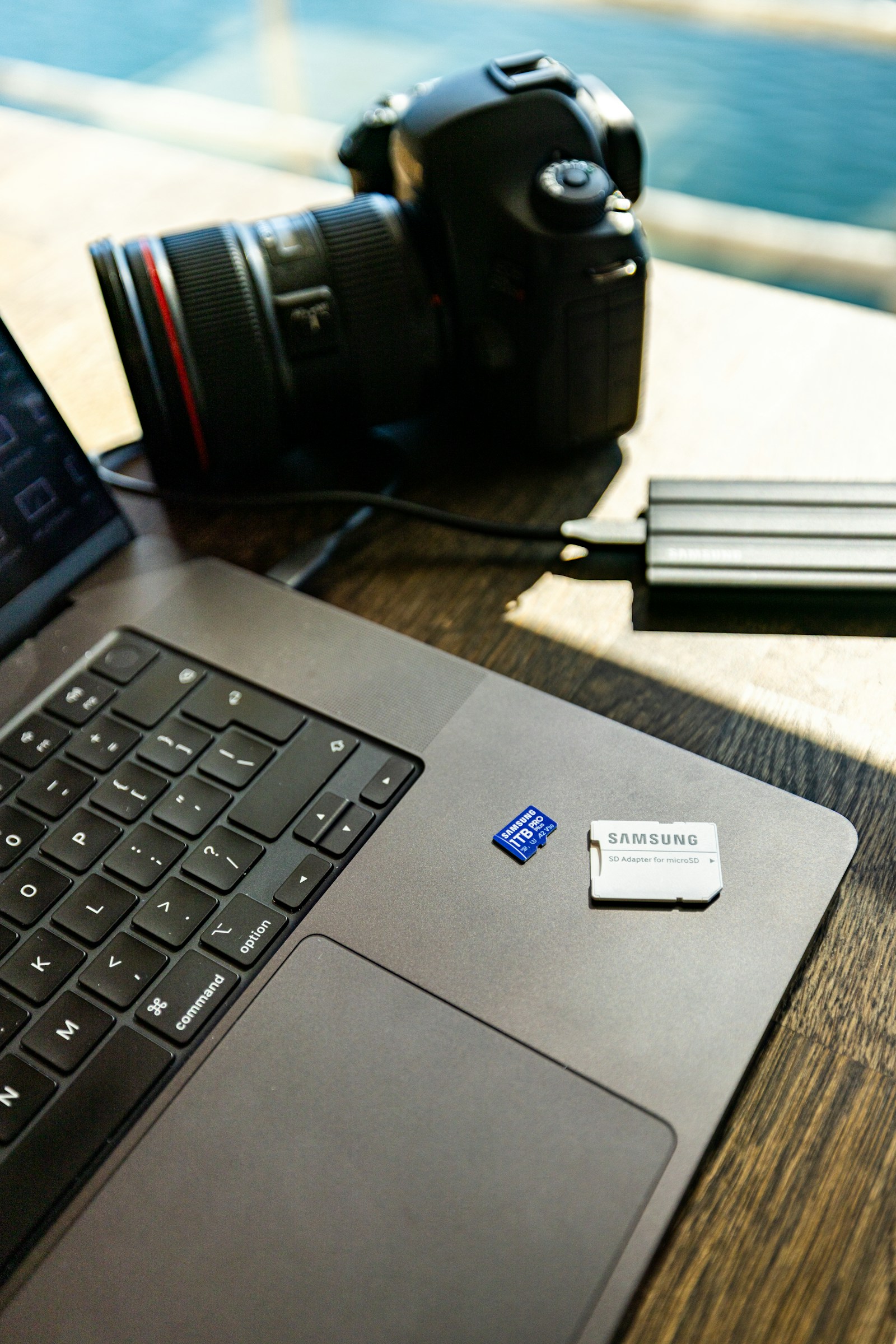
There are two types of photographers: those who have lost data, and those who will.
A single failed hard drive can erase an entire wedding. A stolen laptop can wipe a year of work. The good news: a real backup strategy makes this risk almost zero. The bad news: most photographers don't have one.
Here's how to fix that.
The 3-2-1 Rule
The gold standard of data protection.
- 3 Copies of Data: The original, plus two backups.
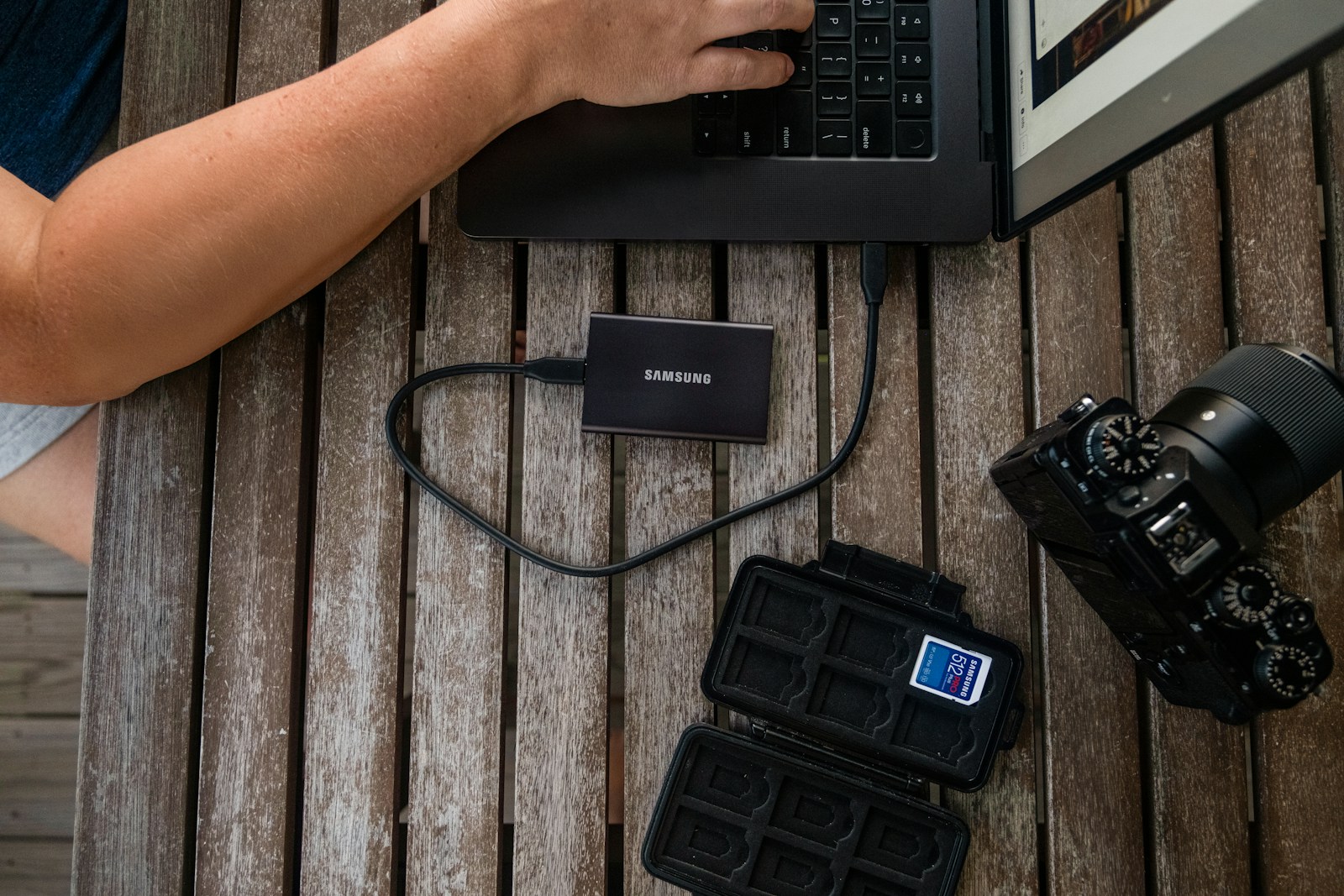
- 2 Different Media Types: E.g., SSD for speed, HDD for archive.
- 1 Offsite Copy: Cloud storage or a drive at a friend's house , protecting against fire, flood, or theft.
If a single one of those three copies survives a disaster, your data survives. That's the entire point.
On-Site Storage
Working Drive (SSD)
Fast, expensive, used for editing in progress. NVMe SSDs are now affordable enough to be the default working drive for most pros.
Archive Drive (HDD)
Cheap, capacious, used for "done with editing, keep forever" storage. Buy two , clone one to the other monthly.
NAS (Network Attached Storage)
For studios with more than one editor or for a true "library" setup. Synology and QNAP are the go-tos.
Cloud Solutions
Services like Backblaze, Google Drive, or specialized gallery sites like PicBee (which stores your delivered JPEGs permanently) are essential for that offsite component.
For working RAW files, Backblaze is the most popular choice , unlimited storage for ~$10/month per machine. For delivered JPEGs, a permanent gallery host doubles as cold storage.

Memory Card Workflow
Backups start before you leave the venue.
- Shoot with dual card slots , one card RAW, one card JPEG backup.
- After the shoot, copy cards to two drives before formatting.
- Verify the copy succeeded (file count + total size match).
- Only then format the cards.
Never reformat a card until your photos exist in at least two other places.
Automate It
Do not rely on your memory.
- Use software like Carbon Copy Cloner (macOS) or Macrium Reflect (Windows) to schedule drive clones every night at 3 AM.
- Set Backblaze to continuous backup mode , not "manual."
- Monthly: test that one of your backups actually restores. Untested backups don't exist.
Long-Term Retention
How long should you keep client files?
- Active clients: Indefinitely on cloud + archive HDD.
- Past clients (1+ year): Archive HDD only.
- Past clients (5+ year): Cold-storage HDD or tape.
When a client emails five years later asking for their wedding photos, being the photographer who still has them is one of the highest-leverage business moves you can make.
Frequently Asked Questions
Isn't cloud storage enough on its own?
No. Cloud is one leg of the 3-2-1 strategy. Cloud accounts can be locked, deleted, or accidentally wiped. Local drives are the safety net.
Are external SSDs reliable for archive?
Use SSDs for working files, HDDs for archive. SSDs can lose data after long periods of being unpowered.
What about RAID?
RAID is not a backup , it's uptime. RAID 1 (mirrored) protects against drive failure, but not against accidental deletion, fire, theft, or ransomware. You still need offsite backups.
How much should I spend on backup?
Budget 5% of your annual photography revenue on storage/backup. For most pros, that's $500–$2,000/year , far cheaper than losing a single wedding.
Wrap-Up
Data loss is a career risk. Backup is a one-time setup that protects you for life. Spend a weekend setting it up, schedule monthly verifications, and never think about it again.
Want a permanent home for your delivered galleries?