
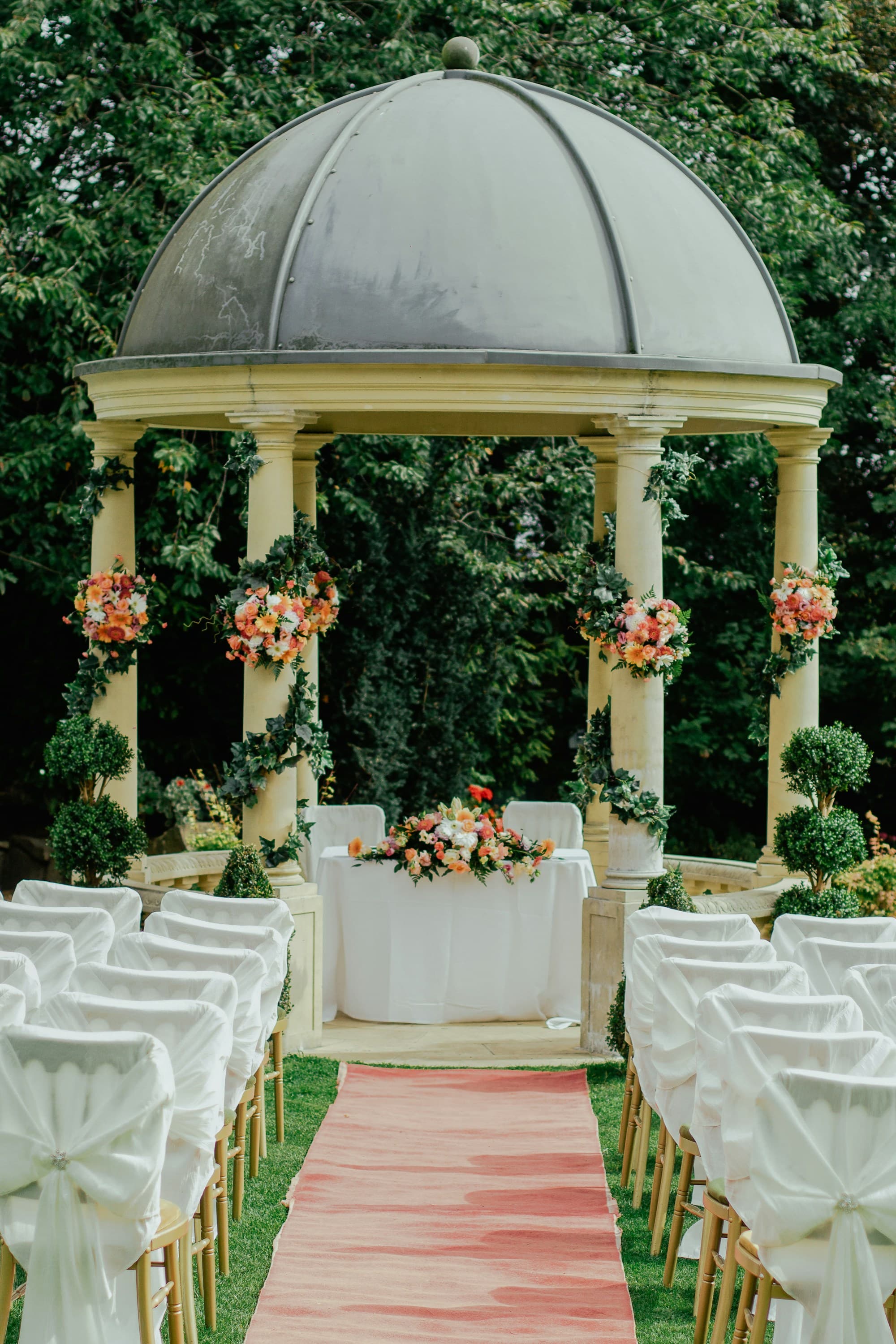
Multi-day wedding galleries organized by day
Wedding weekends create different moods from welcome drinks to farewell brunch. PicBee lets you structure albums by day or ceremony while guests still search faces across the entire celebration.
People who attend only Friday night or only Sunday brunch should find their chapter quickly. Couples still get one coherent story of the weekend instead of disconnected folders named after venues.
Weekend weddings create timeline chaos in guest cameras
A multi-day wedding is a sequence of events with overlapping guest lists. Friday welcome photos sit beside Saturday ceremony frames and Sunday brunch candids. When everything lands in one unsorted dump, relatives cannot tell which night a photo belongs to, and couples lose the narrative arc of the weekend.
Separate chat threads for each day make it worse. Guests who attended two events upload to the wrong group. People who only came for one meal never see the rest. Without albums by day and face search across the weekend, the celebration becomes a scavenger hunt instead of a keepsake.
Structure the weekend without splitting the story
- Create albums for each day or ceremony while keeping one wedding home
- Let face search span the full weekend so repeat guests find every appearance
- Share one link that still feels organized for partial attendees
- Refresh QR placements as venues change across the schedule
- Use live screens on peak nights without losing quieter day-after moments
- Export a weekend photobook that follows the real timeline
Weekend-friendly photo tools
Multi-day celebrations need chronology and searchability together. Guests should feel oriented, and couples should keep one archive.
Albums by day or ceremony
Label Friday welcome, Saturday ceremony, Saturday reception, and Sunday brunch as clear chapters. Guests jump to the events they attended while the couple still owns a complete weekend narrative in one place.
Face search across the weekend
A bridesmaid who appears at rehearsal dinner and reception should not search twice. One selfie returns matches from every day, which is the difference between a useful archive and a pile of folders.
QR that follows the itinerary
Update table cards and entrance signs as the venue changes. Guests learn one upload habit on night one and keep contributing through the final brunch without learning a new system each day.
Friendly for partial guest lists
Not everyone attends every event. Partial guests can contribute to their day and still browse the wider weekend when you want them to feel included in the full celebration story.
Peak-night energy on screens
Use live uploads during the biggest party night while quieter welcome and brunch moments stay organized in their own albums. The gallery flexes with the energy of each day.
Timeline-ready keepsakes
When the weekend ends, export in day order for flipbooks and printed books. The finished product feels like the celebration guests lived, not a random shuffle of beautiful frames.
One weekend, many chapters, still searchable
The best multi-day galleries respect the schedule without fragmenting the family. Albums give structure. Face search gives personal access. Together they stop the post-weekend confusion of mixed folders and missing days.
Couples can share the full story after travel home, while grandparents and friends who only attended one event still find a clear path to their memories.
- Day albums keep welcome, ceremony, and brunch visually distinct
- Cross-weekend face search helps frequent guests gather every appearance
- One link reduces the need for separate chat albums per event
- Cloud storage preserves the full timeline after venues change
Chapters of a wedding weekend
Each day has a job. Capture the arc from first toast to last goodbye without losing chronological clarity.
Welcome evening
Rehearsal dinners and welcome drinks create soft, social photos. Starting the gallery here teaches guests the upload habit before the biggest day arrives.
Ceremony day morning
Getting-ready rooms, first looks, and quiet family moments deserve their own space so they are not buried under reception volume later.
Ceremony & cocktail hour
Rituals and mingling produce a mix of formal and candid frames. Guests capture reactions in the crowd while vendors cover the aisle.
Reception night
Speeches, dances, and late energy create the densest upload window. Live screens help the room stay engaged while albums keep the night distinct from earlier days.
Day-after brunch
Relaxed morning photos often become favorites. A dedicated brunch album stops those softer frames from disappearing into the reception pile.
Travel & send-off
Airport hugs and final group shots close the weekend. Guests can still contribute before they disperse, keeping the ending of the story intact.
How multi-day wedding photo sharing works
Map albums to the itinerary, invite guests at each stop, then share one searchable weekend gallery.
Map albums to the schedule
Create day or ceremony albums that match your itinerary before the first event starts.
Invite guests through each venue
Refresh QR placements as locations change so contribution stays easy from welcome night to brunch.
Share the full weekend story
Send one gallery link afterward so families can browse by day and find themselves across every event.
Multi-day wedding FAQs
Organize the wedding weekend clearly
Give every day its album and still let face search span the full celebration.