

Branded event photos your attendees can actually find
Conferences and company celebrations produce thousands of images. PicBee turns that volume into a branded gallery attendees open, search, and share without waiting on a hard drive dump.
Put QR codes at registration, keep branding consistent on the event site, run live screens for energy, then review engagement analytics when the program is over.
Corporate photos stall in inboxes and Slack threads
Event teams invest in coverage, then struggle with delivery. Photographer folders arrive late. Attendees only see a handful of posts on LinkedIn. Internal Slack channels fill with random uploads that nobody can search later when marketing needs assets.
Large conferences make discovery worse. A networking cocktail can generate hundreds of candids, but speakers, sponsors, and employees cannot locate themselves without scrolling forever. Security and brand teams also worry about uncontrolled public albums floating around after the event.
PicBee gives organizers one branded destination. Attendees contribute through QR codes, find themselves with face search, and download within the access rules you set. Your team keeps analytics and a cleaner archive for recaps and follow-up campaigns.
What event and marketing teams get
- A branded gallery that matches company colors and event identity
- QR access at badges, registration desks, and session rooms
- Face search so attendees self-serve their own photos
- Live screens that turn uploads into onsite engagement
- Analytics for uploads, views, and participation patterns
- Privacy controls suited to internal and invite-only events
Corporate-ready photo tools
Professional enough for brand teams, simple enough for attendees between sessions.
Engagement analytics dashboard
Track uploads, views, and participation by session or day. See which keynotes and networking moments drove the most content. Report real metrics to stakeholders instead of just vibes.
AI face search for attendees
Speakers, sponsors, and employees scan their face to find themselves across all sessions and networking moments. No manual tagging required. Support requests drop significantly.
QR codes at registration and sessions
Place codes on badges, table tents, and session room displays. Attendees upload instantly between presentations. Zero friction keeps participation high even with packed schedules.
Branded event galleries
Add company logos, event colors, and branding so the gallery matches your event website and materials. Sponsors and executives see a polished experience, not a generic folder.
Live screens for lobbies and stages
Display uploads on venue screens during networking hours or celebration segments. Real-time feeds create energy and encourage more people to contribute their perspective.
Recap photobooks for stakeholders
Turn event highlights into a designed photobook for sponsor reports, internal comms, and follow-up decks. A polished asset that tells the story of your event.
Access controls for sensitive moments
Internal offsites and leadership moments need privacy. Use password protection or link-only access to keep confidential photos with intended audiences only.
Multi-track gallery organization
Organize by keynote, breakout session, or networking moment. Attendees find content relevant to them. Face search and analytics work across all tracks simultaneously.
One branded hub from registration to recap
A strong corporate gallery does two jobs. Onsite, it collects and displays moments while energy is high. Afterward, it becomes a reliable asset library for attendees, internal comms, and follow-up marketing.
PicBee keeps those jobs connected. QR access and live screens drive contribution during the event. Branding, face search, and analytics make the archive usable when the lights come back on Monday.
- Branded galleries that feel aligned with your event website and materials
- Attendee self-serve downloads that reduce post-event photo request volume
- Live lobby or ballroom screens that amplify participation in real time
- Analytics snapshots you can include in stakeholder recap decks
Corporate event formats we support
Choose the format closest to your agenda and guest experience.

Conferences & summits
Keynotes, breakouts, and networking hours create photo volume fast. Use QR at registration and session doors, then let attendees find themselves across multi-track galleries.
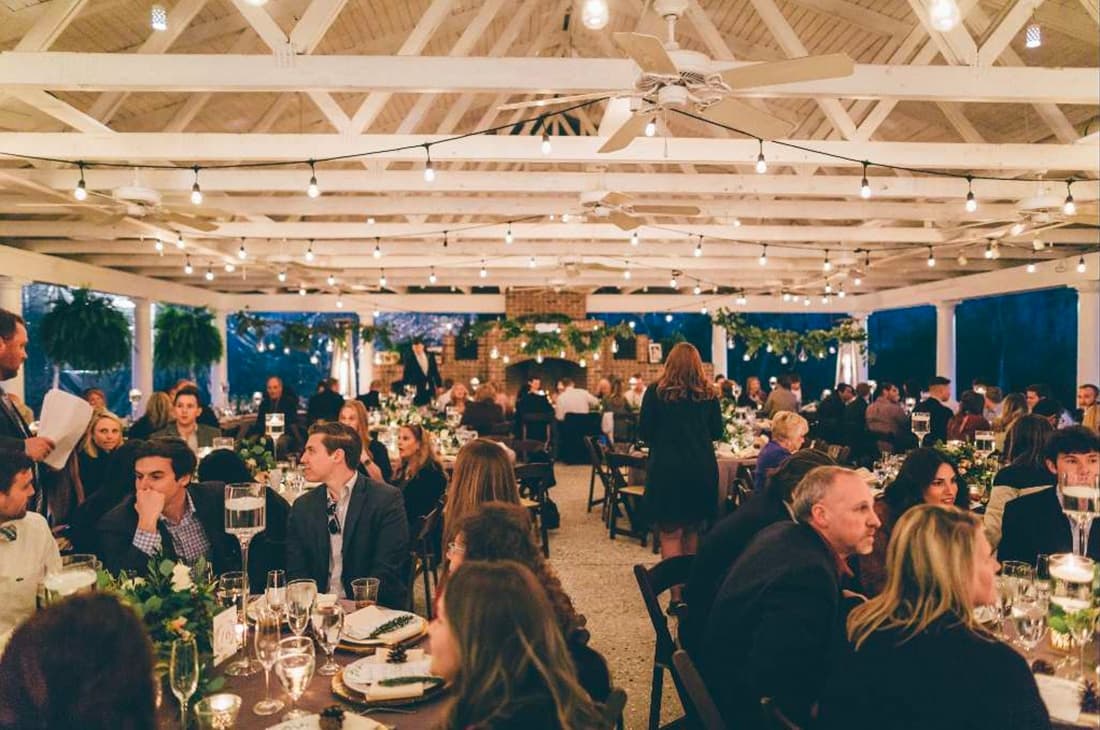
Company parties
Holiday parties and milestone celebrations need energy plus brand control. Collect staff uploads, run a live slideshow, and keep the album invite-friendly for the whole company.

Team building
Capture challenges, workshops, and offsite activities without relying on one person as the unofficial photographer. Teams leave with a shared album that reinforces the day.
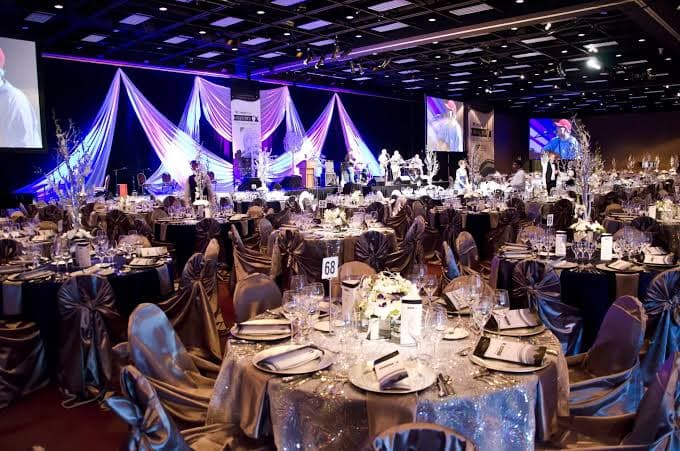
Award ceremonies
Recognition nights deserve clean winner moments and celebration candids in one place. Guests download the frames that matter, and organizers keep a polished archive for announcements.
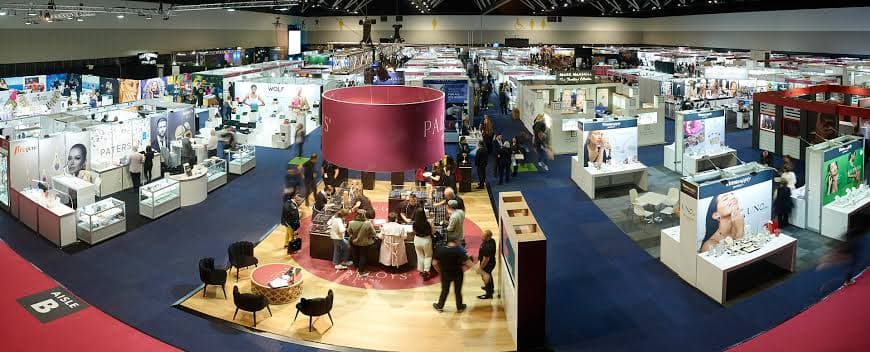
Trade shows
Booth teams and visitors generate constant activity. QR codes at the stand collect demos, meetings, and crowd moments into a gallery sales and marketing can reuse after the floor closes.
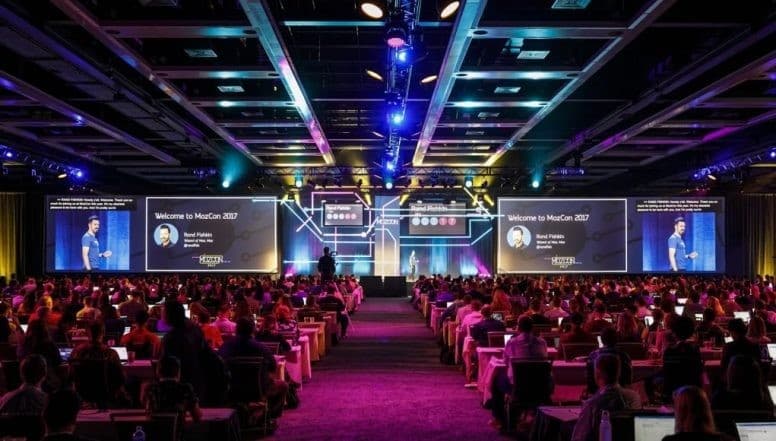
Product launches
Reveal nights and demo days need a branded photo story for attendees, partners, and internal teams. Collect the room reaction, stage moments, and networking candids without losing brand consistency.
How organizers launch PicBee
A practical rollout that fits conference and company event timelines.
Build the branded event gallery
Set naming, logos, and access rules. Decide whether the album is open to badge holders only or available more broadly with a password.
Deploy QR codes across touchpoints
Registration, badges, session rooms, and evening venues all work. Make contribution visible so attendees do not need repeated announcements.
Activate screens and review analytics
Run live displays during high-energy blocks, then use analytics and downloads afterward for recaps, sponsor reports, and internal storytelling.
Corporate event photo FAQs
Launch a branded gallery before doors open
Create the event album, place QR codes at registration, and give attendees a polished place to contribute and download.