Digital Photobooks: From Photos to Interactive Stories
Transform your static photo collections into engaging digital photobook experiences. Learn how photobooks are changing the way we view wedding albums and event portfolios.
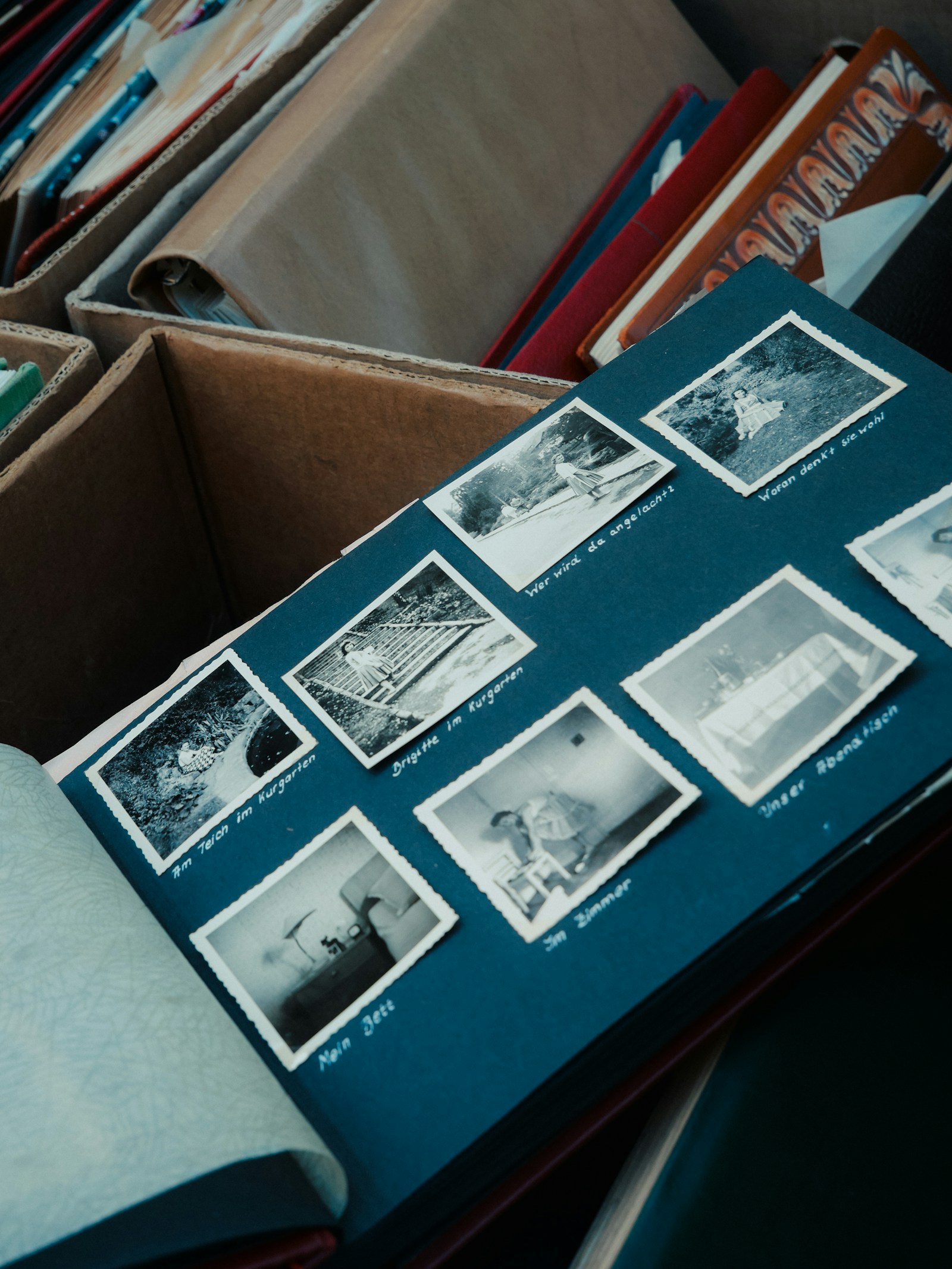
Scrolling through a grid of images is functional. Turning the pages of a digital book is emotional.
A digital photobook transforms the experience of viewing photos , from idle scrolling into focused, narrative-driven storytelling. Done well, it triggers the same anticipation as opening a physical wedding album, without the shipping cost or the storage problem.
What is a Digital Photobook?
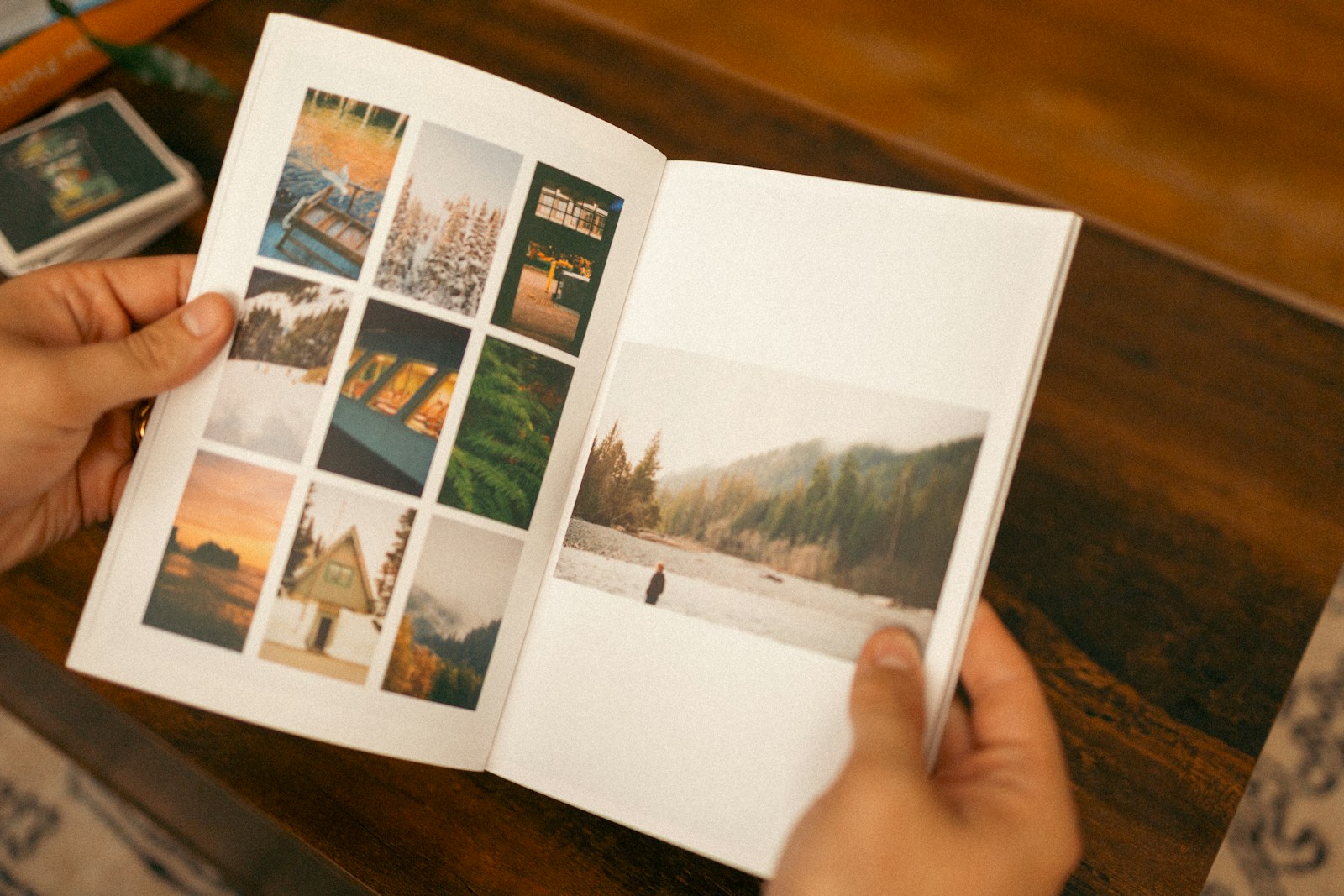
A digital photobook simulates the experience of reading a real book or magazine online. It features realistic page-turning animations, sounds, and a two-page spread layout that honors the narrative flow of an event.
Unlike a standard gallery , where you choose your own path , a photobook is curated. You decide what the viewer sees, and in what order.
How It Works: HTML5 Magic
Gone are the days of clunky Flash players. Modern photobooks use HTML5 technology, meaning they render natively in any web browser without plugins. This ensures the layout and design of your pages stay strictly preserved while allowing for fluid animations that mimic the physics of real paper.
The result: a single shareable link that works on any device, with no installs and no compatibility headaches.
Why Use Them for Weddings?
Mobile Optimized
Photobooks work beautifully on tablets and phones, allowing you to "swipe" to turn pages just like a real album. It brings the tactile joy of a physical album into the digital realm.
Storytelling
Curate the flow. Start with the invitation, move to the ceremony, and end with the exit. You control the journey, not the user's random clicking. It forces the viewer to slow down and appreciate the narrative arc.
Designing for the Spread
Unlike a scrolling feed, a photobook presents two pages at once (a "spread"). This opens up creative possibilities for photographers:
- Panoramic Shots: Span a wide landscape photo across both left and right pages for a cinematic effect.
- Juxtaposition: Place a detail shot (rings, shoes) on the left and a wider context shot (the getting-ready room) on the right.
- Chronology: Use the page turn to reveal a surprise or the next step in a sequence (e.g., the "First Look").

Sharing & Distribution
One of the biggest advantages of digital photobooks is deliverability. You are not shipping a heavy book; you are sending a lightweight link.
Best Ways to Share:
- Email Blast: Send a beautifully designed email to all guests with a "View Album" button.
- Website Embed: Embed the player directly into your "Thank You" page on your wedding website.
- Social Teasers: Record a screen capture video of you flipping through the book to post on Instagram Stories.
Case Study: The "Destination Wedding" Problem
Sarah and Mark got married in Tuscany, but 60% of their extended family couldn't travel.
Sending a folder of 800 JPEGs felt impersonal. Creating 50 physical albums was too expensive ($5,000+). The solution was a digital photobook. They organized the photos into chapters (Welcome Dinner, Ceremony, Reception, Day-After Brunch).
The result? Family members reported feeling like they were "actually there" as they flipped through the day.
Creating Your First Photobook
With PicBee, it's automatic. Our system takes your uploaded gallery and intelligently groups photos into spreads based on timestamps and color grading. You can then customize the layout, add text captions, and share it with a single link.
Did You Know? Photobooks have 3x higher engagement times than standard scroll-galleries. People love the tactile feeling of interaction. It triggers the same "curiosity" dopamine hit as unwrapping a gift.
Frequently Asked Questions
Can I print the photobook later?
Yes. Since the photobook is based on high-res layouts, you can easily export the PDF to a printing service like Blurb or Artifact Uprising.
Does music play automatically?
Modern browsers block auto-playing audio for user experience. However, a prominent "Play Soundtrack" button is usually the first thing users see.
How many pages can it be?
There is technically no limit, but for attention spans, we recommend keeping it between 20–50 spreads (40–100 pages).
Can guests contribute photos?
Yes. With PicBee, guest uploads can be folded into the photobook as a dedicated chapter , capturing the candid moments the pro photographer missed.
Wrap-Up
A great photobook is not just a delivery format , it's a storytelling instrument. Use it to take your viewer through the day on rails: anticipation, build-up, climax, resolution.
Ready to turn your gallery into a story?