How to Share Photos with 500+ Wedding Guests
Large weddings need a different approach to photo sharing. Learn how to collect photos from hundreds of guests without chaos or lost memories.
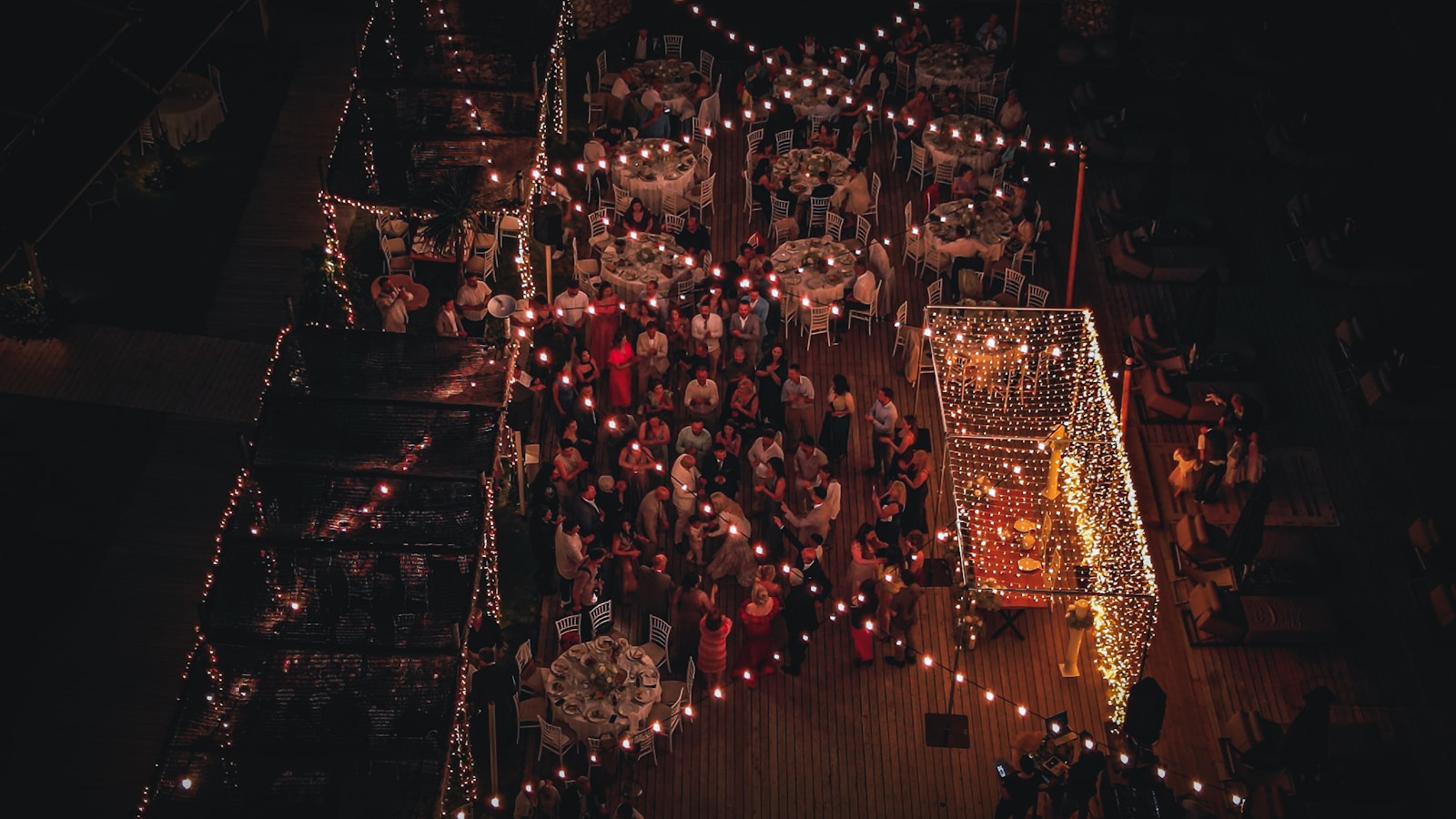
Large weddings need a different approach to photo sharing. Traditional methods break down at scale.
Sharing 500+ guests' photos isn't 5x harder than sharing 100 guests' photos , it's exponentially harder. The same WhatsApp trick that works for a 50-person dinner falls apart at a 500-person wedding. Here's how to actually pull it off.

The Unique Challenges
Dozens of Phones
500 guests means potentially 1,000+ photos across hundreds of devices.
WhatsApp Chaos
Group chats become unusable at this scale. Messages get lost. WhatsApp itself caps groups at 1,024 members.
Download Friction
Asking 500 people to download an app? Expect 80% to not bother.
Photo Overload
With so many photos, how do guests find themselves? Manual scrolling doesn't scale past a few hundred images.
Strategies That Work at Scale
QR Codes Everywhere
Place QR codes on every table, at the entrance, and on screens. Make it impossible to miss.
- Print on table numbers
- Display on digital signage
- Include in programs
- Photo booth signage
The rule of thumb: every guest should be within arm's reach of a QR code, always.
Face Recognition is Essential
With thousands of photos, guests need AI to find themselves. Manual browsing doesn't scale.
- Enable face recognition
- Explain the selfie feature in your MC announcement
- Note that it works in group photos too , guests don't need to be the main subject
No App Downloads
At scale, every friction point multiplies. Eliminate app downloads entirely.
- Use Web-based galleries (no install)
- Test with older phones
- Web fallback for all devices and OS versions
Announce and Remind
Large weddings need announcements. Don't rely on guests discovering the feature.
- MC announcement during reception
- Wedding party shares first (creates social proof)
- Display live slideshow as social proof on a venue screen
- Post-wedding reminder email
Planning Timeline
2 Weeks Before
Set up your PicBee event and test the QR code.
1 Week Before
Print QR codes and prepare signage.
Wedding Day
Place QR codes, brief the wedding party, set up slideshow.
During Reception
Have MC encourage photo uploads, display live slideshow.
After Wedding
Send reminder email with gallery link, share highlight reel.
The Bandwidth Problem
500 guests uploading photos simultaneously can melt a venue's Wi-Fi. Two strategies:
- Ask the venue about bandwidth. Most modern venues have decent infrastructure, but check before the day.
- Photos queue and upload when connectivity is available. A good event-photo platform handles this automatically , guests don't lose photos if the network blips.
Frequently Asked Questions
How many photos should I expect from 500+ guests?
Typically, you'll get photos from 60–80% of guests who bring phones (most people). With an average of 2–5 photos per person, expect 600–2,000+ photos. Face recognition becomes essential at this volume.
Will the system handle that many uploads?
Yes, PicBee is built for large events. Photos upload asynchronously and appear in the gallery as they're processed. There's no limit on simultaneous users.
What about internet connectivity at the venue?
Check your venue's Wi-Fi capacity. For 500+ guests uploading, you may want to ask the venue about their bandwidth. Photos will queue and upload when connection is available.
How do guests find themselves in 2,000 photos?
Face recognition is the only viable answer at this scale. Guests upload a selfie, and the gallery filters to only photos containing them.
Wrap-Up
Big weddings are special , and they deserve a photo collection strategy built for the scale. With the right tools, getting photos from 500 guests is barely harder than getting photos from 50.
Ready for your large wedding?