
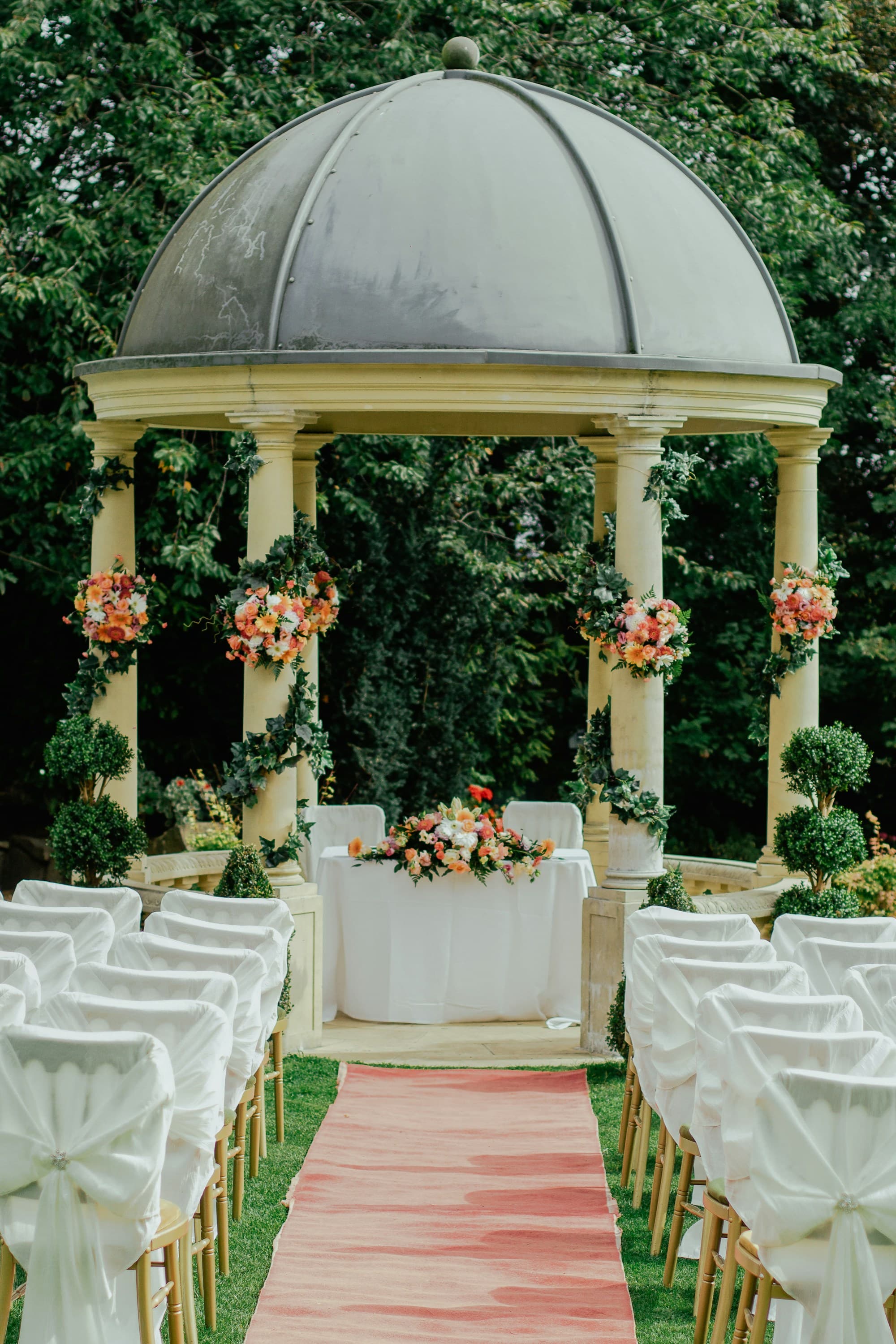
DIY wedding photo sharing couples can run themselves
If you are hosting the day yourselves, photo logistics should stay simple. PicBee gives DIY couples an easy gallery setup, QR invites for guests, and a home for candids that do not depend on a photographer standing in every conversation.
You can still hire a photographer for portraits and key moments. Guest phones cover the rest: table laughter, getting-ready chaos, and dance-floor joy that no single shooter can catch alone while you are also managing the day.
Self-hosted weddings leave photo collection as one more task
DIY couples already juggle vendors, timelines, budgets, and guest experience. Asking people to text photos afterward becomes another unfinished chore. By the week after the wedding, everyone is tired, chats are noisy, and the best candid frames never get gathered in one place.
Photographer dependency makes the gap worse when coverage is limited. A shorter package may beautifully capture portraits and the ceremony, then leave cocktail hour and reception candids to chance. Without an easy guest upload system, DIY weddings lose the spontaneous layer that makes a self-hosted day feel alive.
A gallery you can launch without a tech team
- Create a branded wedding gallery in a short setup window before the day
- Print QR codes for tables and welcome notes without complicated software
- Collect guest candids even when photographer hours are limited
- Share one link afterward instead of chasing texts and drive folders
- Use face search so friends find themselves without asking you to sort
- Keep the gallery connected to your wider wedding website information
Simple tools for couples running the show
DIY does not mean low quality. It means fewer moving parts, clearer guest instructions, and coverage that fits a self-hosted plan.
Pairs with your wedding website energy
Guests already look to your site for schedule and travel notes. Adding a photo gallery home keeps memories in the same digital place they used while planning to attend, which reduces confusion on the day.
Setup that fits a busy couple calendar
You do not need a coordinator to operate PicBee. Create the gallery, brand it lightly, and prepare QR placements during the same week you finalize seating and playlists.
Guest uploads without training sessions
A clear scan-and-share instruction on table cards is enough. DIY guests are usually friends who want to help. Give them a frictionless path and they will contribute throughout the celebration.
Candids beyond photographer coverage
When your shooter is focused on portraits or has already wrapped, phones around the room keep documenting. PicBee becomes the backup network for moments no one scheduled on the shot list.
Self-serve finding after the party
DIY couples rarely have time to build personal albums for every friend. Face search lets guests help themselves, which protects your honeymoon week from endless photo requests.
One archive you actually control
Instead of photos living in five group chats and a borrowed laptop, the couple owns a cloud gallery that stays available for downloads, reprints, and anniversary revisits.
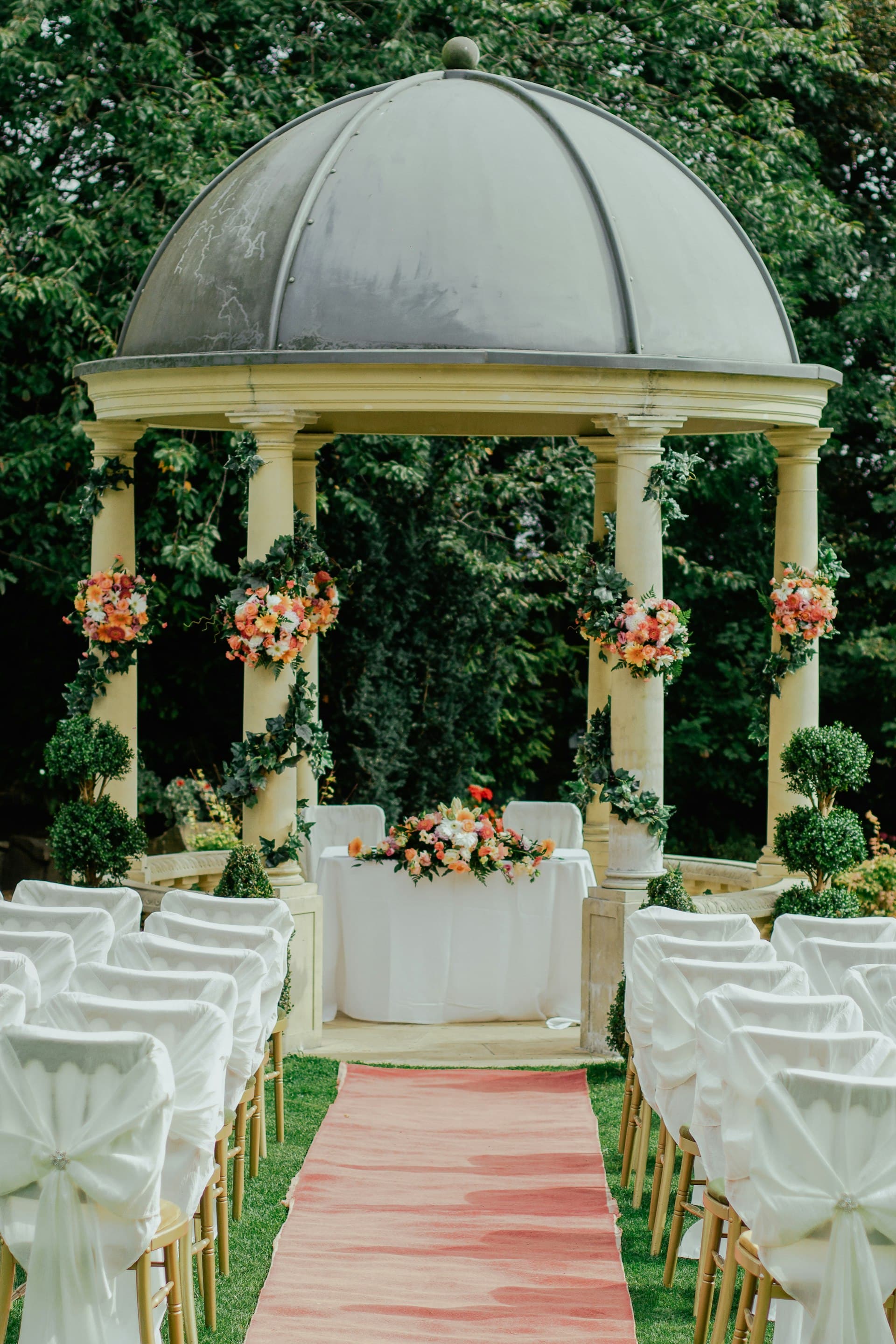
Your wedding website can also hold the photos
DIY planning already teaches guests to check one place for details. Extending that habit into photo sharing keeps the experience coherent. Arrival info, schedule notes, and later the gallery can feel like parts of the same couple-led celebration.
You stay in control of branding and access without needing a separate complicated photo vendor workflow for guest candids.
- Short setup fits couples who are already hosting everything else
- QR cards replace awkward post-event photo chase texts
- Guest candids fill gaps when photographer coverage is limited
- One cloud link becomes the official memory home after the DIY day
DIY moments guests naturally capture
Self-hosted weddings are full of informal magic. Make it easy for friends to save those frames for you.
Getting-ready chaos
Friends helping with buttons, playlists, and last-minute nerves create irreplaceable candids. A shared gallery catches that morning energy before formal coverage begins.
Setup & welcome details
DIY couples often craft the room themselves. Guests photographing florals, signs, and table details preserve the labor of love behind the celebration.
Ceremony from the seats
Friends in the rows capture reactions and angles a single aisle photographer may miss while focused on the couple.
Potluck or casual dinner joy
Self-hosted meals are full of passing plates and inside jokes. Phone uploads keep that warmth from disappearing into private camera rolls.
Dance floor after vendor wrap
When formal coverage ends, the party often peaks. Guest contribution becomes the main record of the night you actually danced through.
How DIY wedding photo sharing works
Launch a simple gallery before the day, invite friends with QR cards, then share one link when you are ready to relive it.
Create your gallery quickly
Add your names, a cover image, and privacy settings during a calm planning window before wedding week intensifies.
Put QR where friends will see it
Welcome notes, table cards, and a short announcement are enough for a DIY crowd that already wants to help.
Share one link afterward
Send the gallery when you are ready so guests can browse, face-search, and download without another round of texting files.
DIY wedding FAQs
Host the day and still keep the candids
Set up a simple wedding gallery so guest phones cover what your schedule and shot list cannot.