
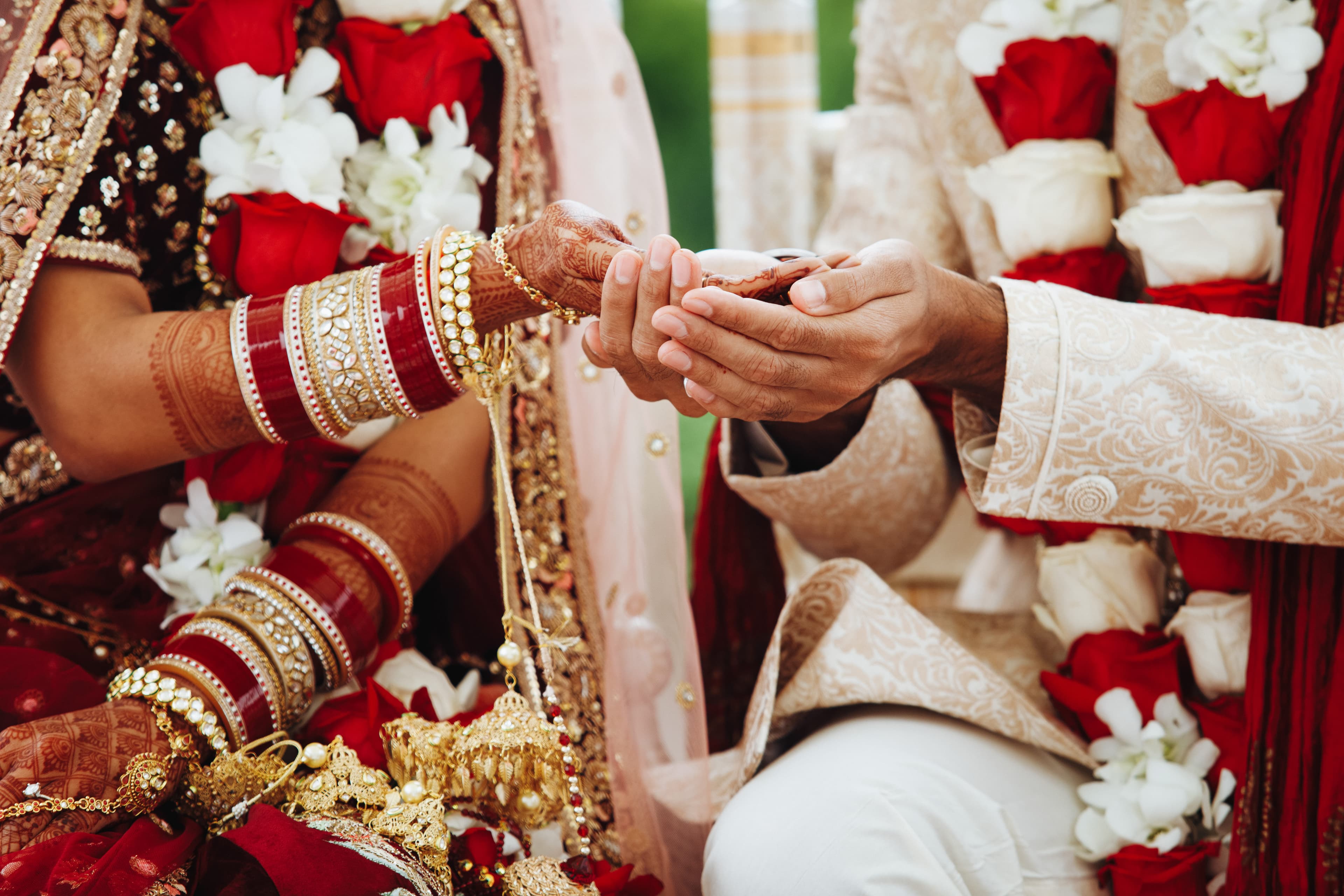
The digital legacy of your forever
Transform your wedding into a collaborative masterpiece. QR codes on tables and welcome cards let guests contribute the intimate, unposed moments professional photographers might miss.
Face search helps aunties, cousins, and friends find themselves across the whole celebration weekend. Live screens add energy at the reception. Designed photobooks become a keepsake family can flip forever.
Wedding photos stall in group chats and phone galleries
Couples invest in coverage, then struggle with delivery. Photographer folders arrive weeks later. Guests only see a handful of posts on social media. Group chats fill with random uploads nobody can search later when aunties ask to resend.
Large weddings make discovery worse. A dance floor or mehndi night can generate hundreds of candids, but relatives cannot locate themselves without scrolling forever. Couples also worry about uncontrolled public albums floating around after the day.
PicBee gives couples one branded destination. Guests contribute through QR codes, find themselves with face search, and download within the access rules you set. Families keep a cleaner archive and a designed photobook for the keepsake box.
What couples and planners get
- A branded gallery that matches wedding colors and the event site
- QR access at tables, welcome cards, and entry signage
- Face search so relatives self-serve their own photos
- Live screens that turn uploads into reception energy
- Designed photobooks as a keepsake for families and the couple
- Privacy controls for invite-only and multi-day celebrations
Wedding-ready photo tools
Romantic enough for the big day, simple enough for guests between toasts.
Branded wedding websites
A custom gallery site that matches your wedding colors, features your names, and displays the ceremony timeline. Guests land on a polished experience that feels like part of your invitation, not a generic folder link.
QR codes on tables and programs
Place scannable codes on table numbers, welcome cards, and ceremony programs. Guests upload from any phone during natural pauses. High participation because the QR is visible and frictionless.
AI face search across the weekend
Relatives and friends scan their face to find themselves in every mehndi, ceremony, and reception photo. No manual tagging. Reduces resend requests and keeps everyone happy.
Guest contributions without friction
Every guest becomes a photographer. Uploads land in one unified album instantly. Capture candids, group moments, and details that professional photographers might miss.
Live reception screens
Display live uploads on venue screens during cocktails, dinner, and dancing. See contributions happen in real time. Energy stays high and more guests upload when they see their photos displayed.
Designed photobooks as keepsakes
Turn the best ceremony and reception moments into a designed photobook. Download as PDF for printing or keep digital. A lasting memory for the couple and parents.
Password protection for privacy
Keep the gallery private with password protection or link-only access. Perfect for intimate ceremonies, mehndis, or multi-day celebrations with tight guest lists.
High-res downloads with watermarks
Guests download full-resolution photos. Optional watermarking keeps your wedding branding visible on shared frames without blocking the download.
One branded hub from mehndi to honeymoon
A strong wedding gallery does two jobs. During the celebration, it collects and displays moments while energy is high. Afterward, it becomes a reliable keepsake for family and a clean archive for the couple.
PicBee keeps those jobs connected. QR access and live screens drive contribution during the weekend. Branding, face search, photobooks, and analytics make the archive usable when everyone heads home.
- Branded galleries that align with your wedding website and invitation
- Guest self-serve downloads that reduce post-wedding resend requests
- Live reception screens that amplify participation in real time
- Designed photobooks and analytics for the family keepsake box
Wedding formats we support
Choose the format closest to your celebration.
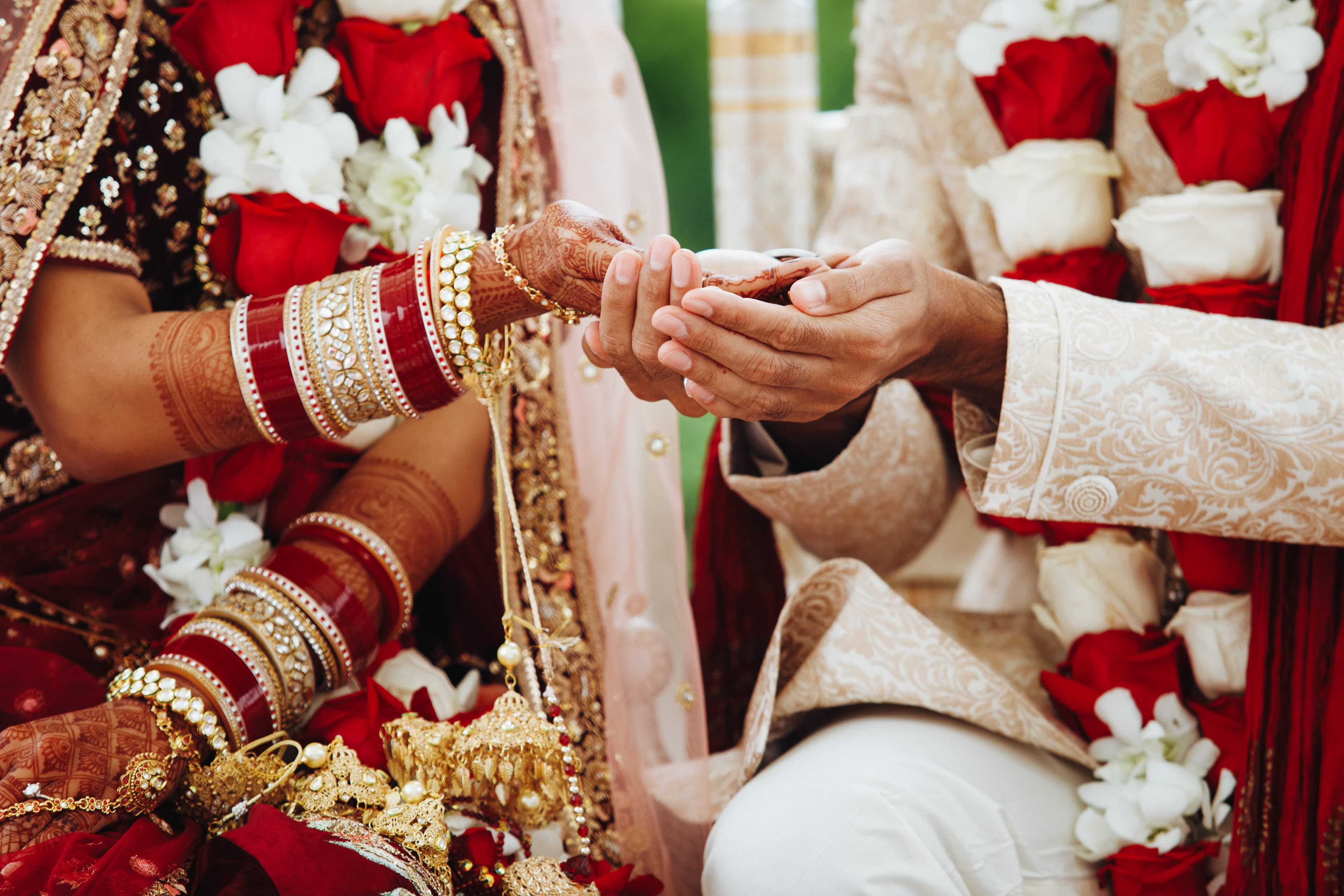
Hindu weddings
Multi-day celebrations with mehndi, sangeet, and baraat produce photo volume fast. QR at each venue and face search across the whole weekend.
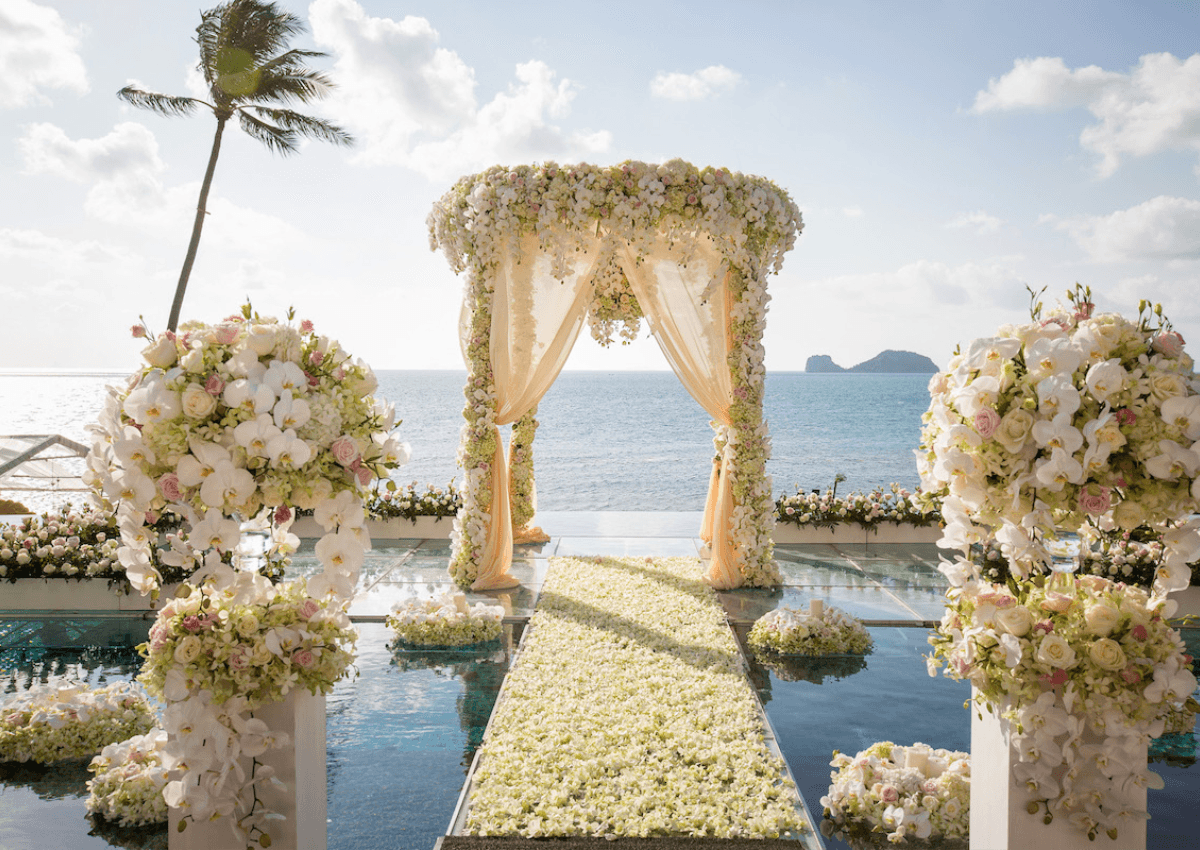
Destination weddings
Welcome bags and travel schedules make QR uploads natural. Keep every guest contributing across multiple days and venues in one branded album.
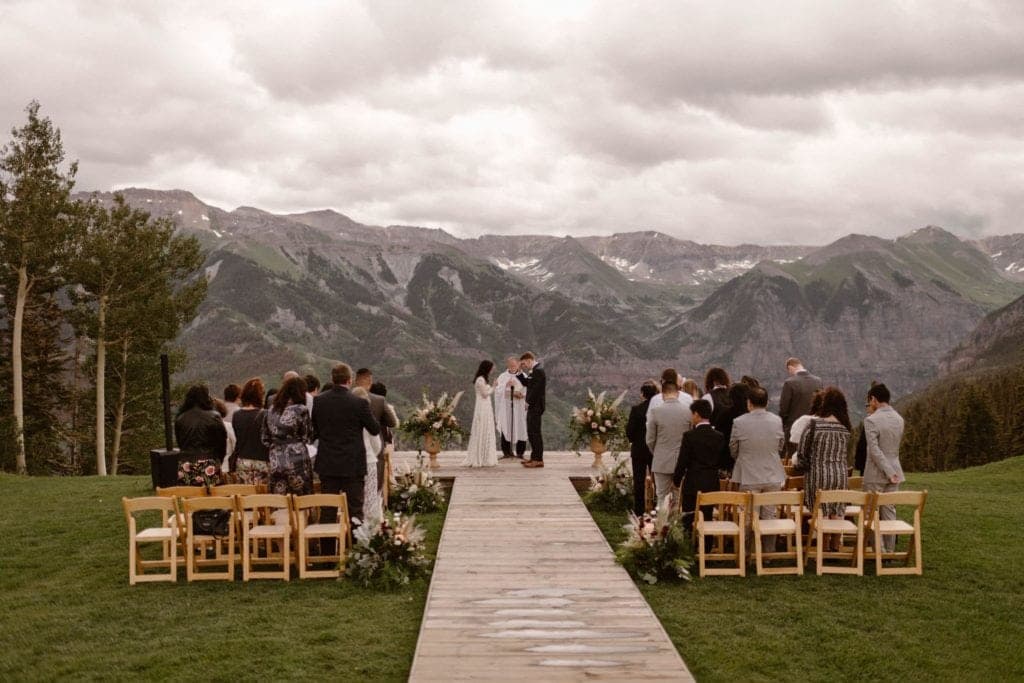
Intimate weddings
Smaller guest lists deserve tight access control. Password protection keeps private vows with invited guests while still giving a modern download experience.
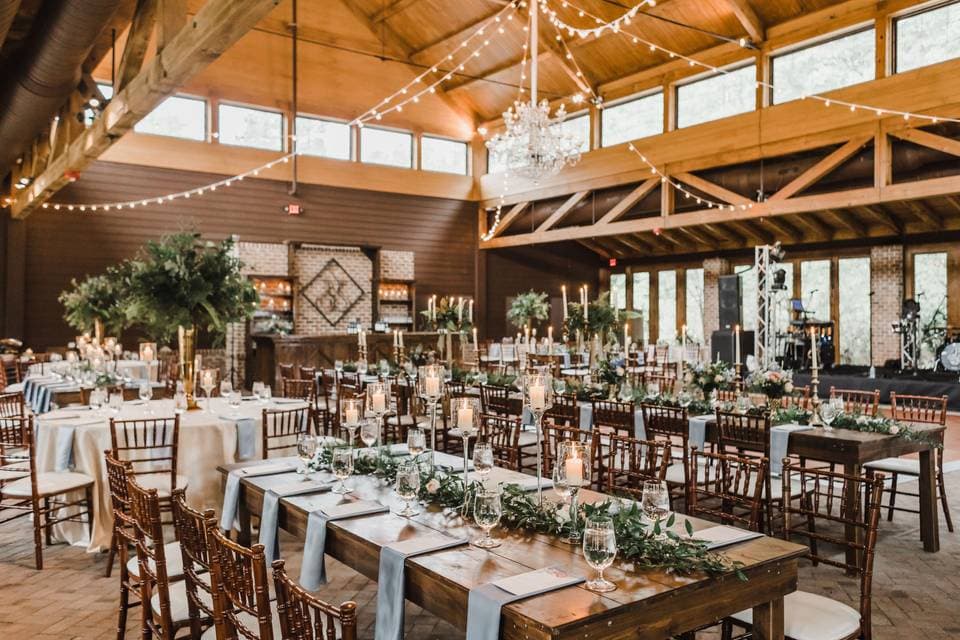
Large weddings
High guest counts are exactly where face search and QR distribution matter most. The gallery stays useful when hundreds would otherwise be impossible to navigate.
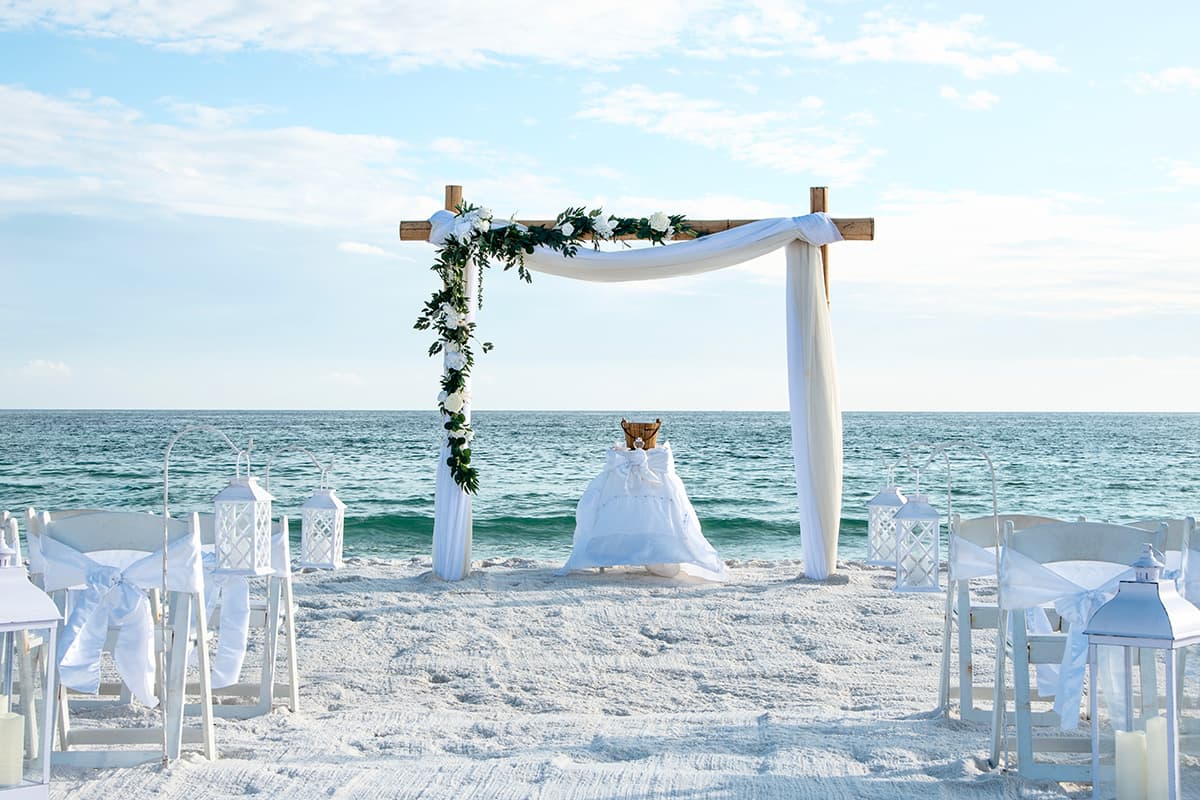
Beach weddings
Scenic backdrops collect candids fast. Keep branding consistent across outdoor venues and let guests find themselves across ceremony and reception.
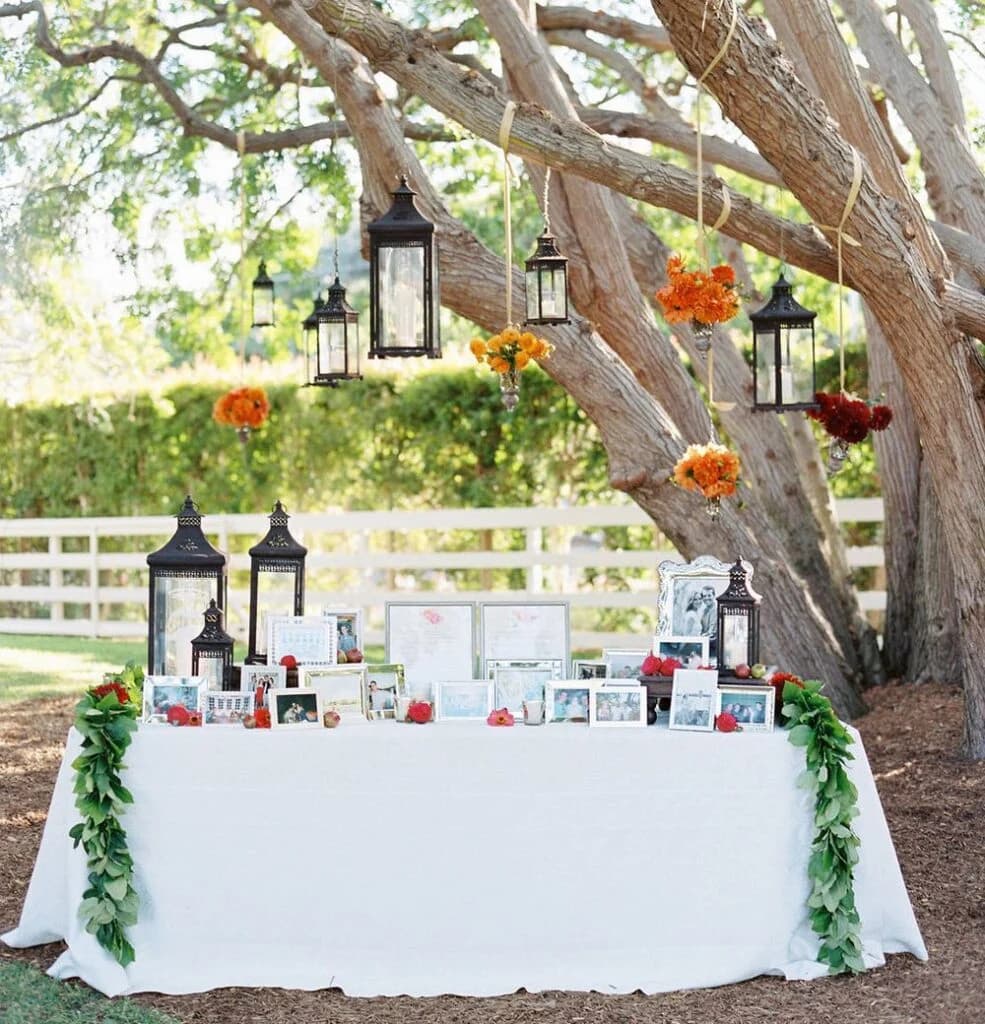
DIY weddings
A clear scan-and-share instruction on table cards is enough. DIY guests already want to help, give them a frictionless path and they will contribute throughout the celebration.
How couples launch PicBee
A practical rollout that fits any wedding timeline.
Build the branded wedding gallery
Set your names, colors, and access rules. Decide whether the album is open to all guests or available with a password for private moments.
Deploy QR codes across touchpoints
Table numbers, welcome bags, ceremony programs, and reception signage all work. Make contribution visible so guests do not need repeated announcements.
Activate screens and review the photobook
Run a live display during the reception, then use face search, downloads, and a designed photobook afterward for the family keepsake box.
Wedding photo sharing FAQs
Launch a branded gallery before the first toast
Create the wedding album, place QR codes on tables, and give guests a polished place to contribute and download.