How to Collect Wedding Guest Photos: Complete Guide
The ultimate guide to collecting photos from wedding guests. QR codes, face recognition, and strategies that actually work for getting guest photos.
Your professional photographer captures the planned moments , the kiss, the first dance, the cake. Your guests capture everything else: the reactions, the candid laughter at table 4, the dance-floor chaos, the kids playing under the chairs.
If you only have the professional photos, you have half the story.
This is the complete guide to getting every photo from every guest. QR codes, announcements, and strategies that actually work.

Photo Collection Methods Compared
WhatsApp / Group Chat , 2/5
- Pros: Everyone has it, free.
- Cons: Photos compressed, chaotic, limited to 1,024 members, hard to organize.
- Verdict: Avoid for anything more than small gatherings.
Shared Google Photos Album , 3/5
- Pros: Good quality photos, easy sharing.
- Cons: Guests need a Google account, no wedding-specific features, mixes with personal photos.
- Verdict: Okay for tech-savvy guests, but limited.
Dropbox / Cloud Folder , 2/5
- Pros: Original quality.
- Cons: Requires account, clunky on mobile, no organization.
- Verdict: Too much friction for most guests.
Dedicated Photo App (PicBee) , 5/5
- Pros: QR code access, face recognition, no app download, beautiful gallery.
- Cons: Requires setup.
- Verdict: Best option for most weddings.
Proven Strategies
QR Codes on Every Table
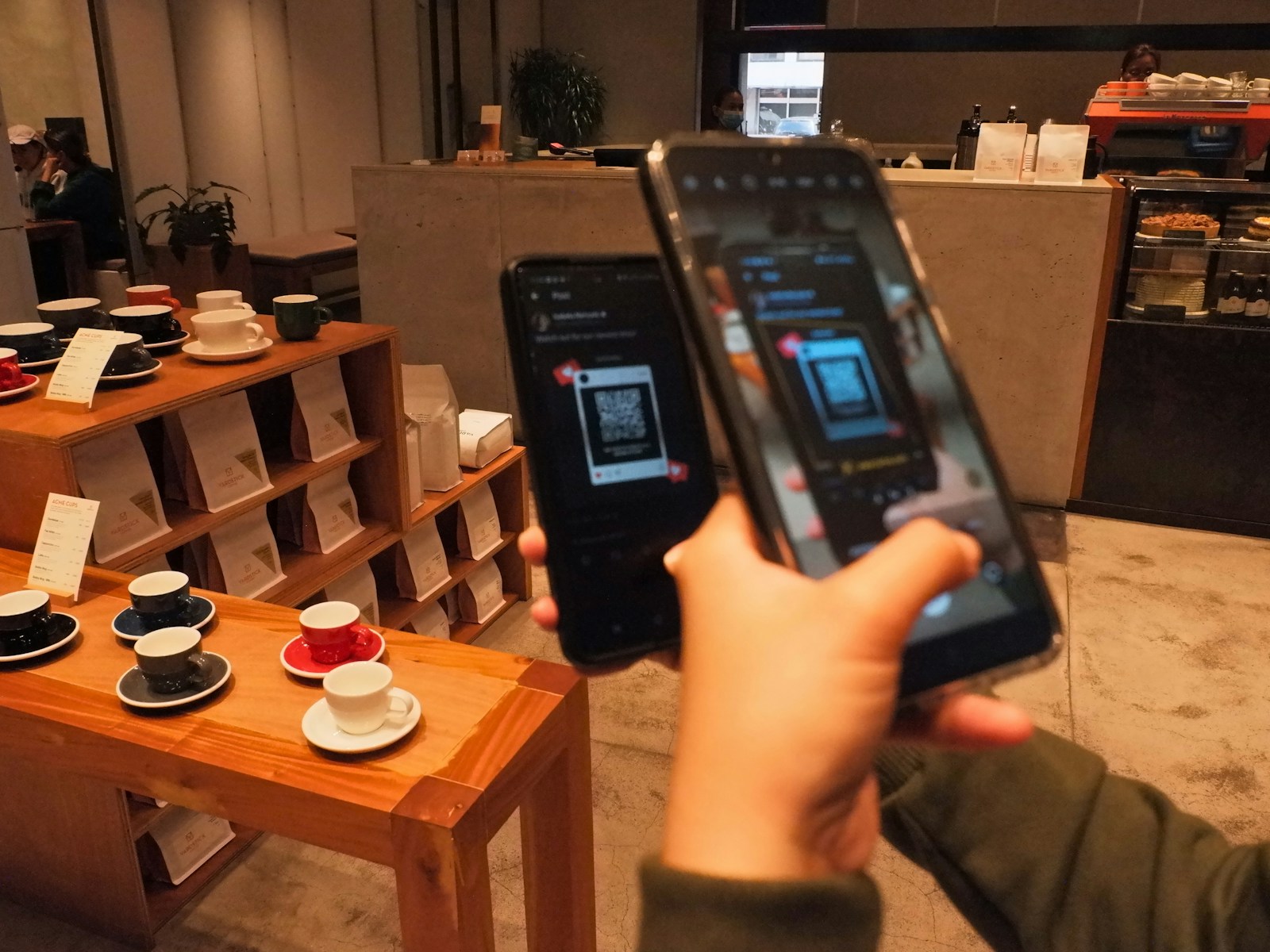
Print QR codes on table numbers or standalone cards. Every guest should be within arm's reach of a code. The lower the friction, the higher the participation.
MC Announcement
Have your MC explain the photo sharing during the reception. People respond to direct asks. A 30-second mention right after dinner is the highest-ROI move you can make.
Wedding Party Goes First
Ask your wedding party to upload first. Seeing photos appear encourages others to join. Social proof is contagious , once guests see five photos pop up, they want to add their own.
Entrance Display
Put a large QR code at the entrance. Guests can set up access while waiting to greet the couple.
Send Reminders
Email guests the day after with the link. Many will upload photos once they are home. Some of the best candids come from the day-after batch.
Action Timeline
2–4 Weeks Before
- Choose your photo collection method
- Set up your gallery
- Print QR codes and signage
Wedding Day
- Place QR codes on tables
- Set up entrance signage
- Brief MC on announcement
- Connect live slideshow
Day After
- Send thank-you email with gallery link
- Download any professional photos to add
1 Week After
- Send final reminder
- Download full gallery backup
Frequently Asked Questions
What's the best way to collect guest photos?
A dedicated photo app like PicBee with QR code access works best. Guests scan a code, upload photos without downloading anything, and photos are organized in one beautiful gallery with face recognition.
How do I get guests to actually upload photos?
Three key strategies: make it easy (QR codes everywhere, no app downloads), make it visible (live slideshow showing uploads), and ask directly (MC announcements, wedding party participation).
When should I ask guests to upload photos?
During the event is best , photos are fresh and phones are out. But also send a reminder the day after for guests who didn't upload in the moment. Some of the best candids come from the day-after batch.
What if some guests aren't tech-savvy?
With QR codes and no app download, even less tech-savvy guests can participate. Position helpful family members near QR codes to assist. The simpler the process, the more participation you'll get.
Wrap-Up
Guest photos are the secret half of your wedding album. With the right setup, getting them is shockingly easy: one QR code, one MC announcement, one beautiful gallery.
Ready to collect every guest photo from every guest?