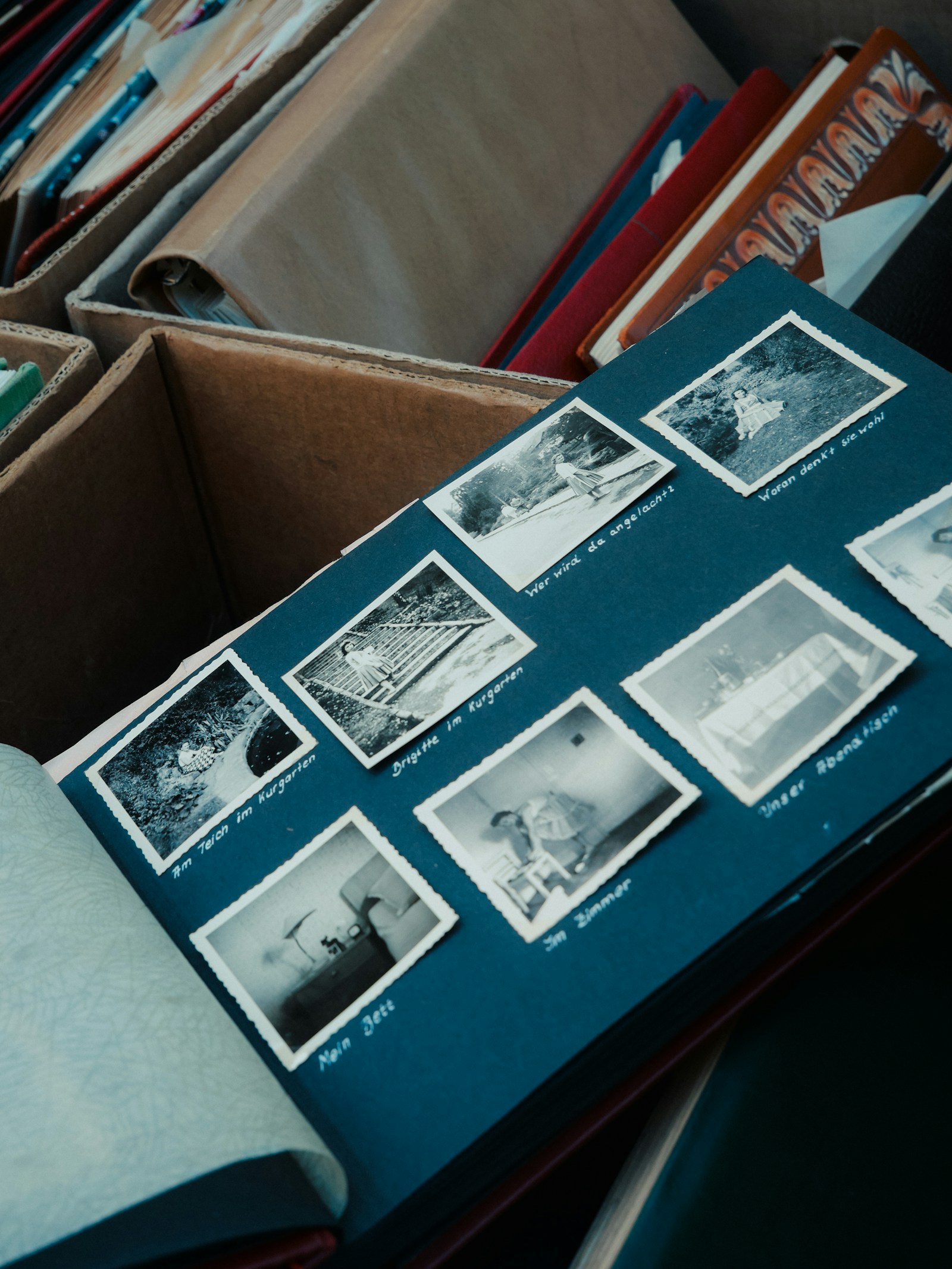
Stop Losing Memories in Cloud Storage Chaos
Event photos scattered across Google Photos, iCloud, and random folders. Learn how to organize event memories before they're lost forever.
Your wedding photos are in Google Photos. Birthday party in iCloud. Graduation somewhere on an old phone. Sound familiar?
Your memories deserve better than digital chaos.
The Cloud Chaos Problem
Scattered Across Services
Wedding photos in Google Photos, birthday in iCloud, reunion in Dropbox. Who can keep track?
Impossible to Find
Looking for that one photo from 2023? Good luck searching through 50,000 images.
Mixed with Everything
Event photos buried among screenshots, receipts, and random downloads.
Auto-Deleted or Lost
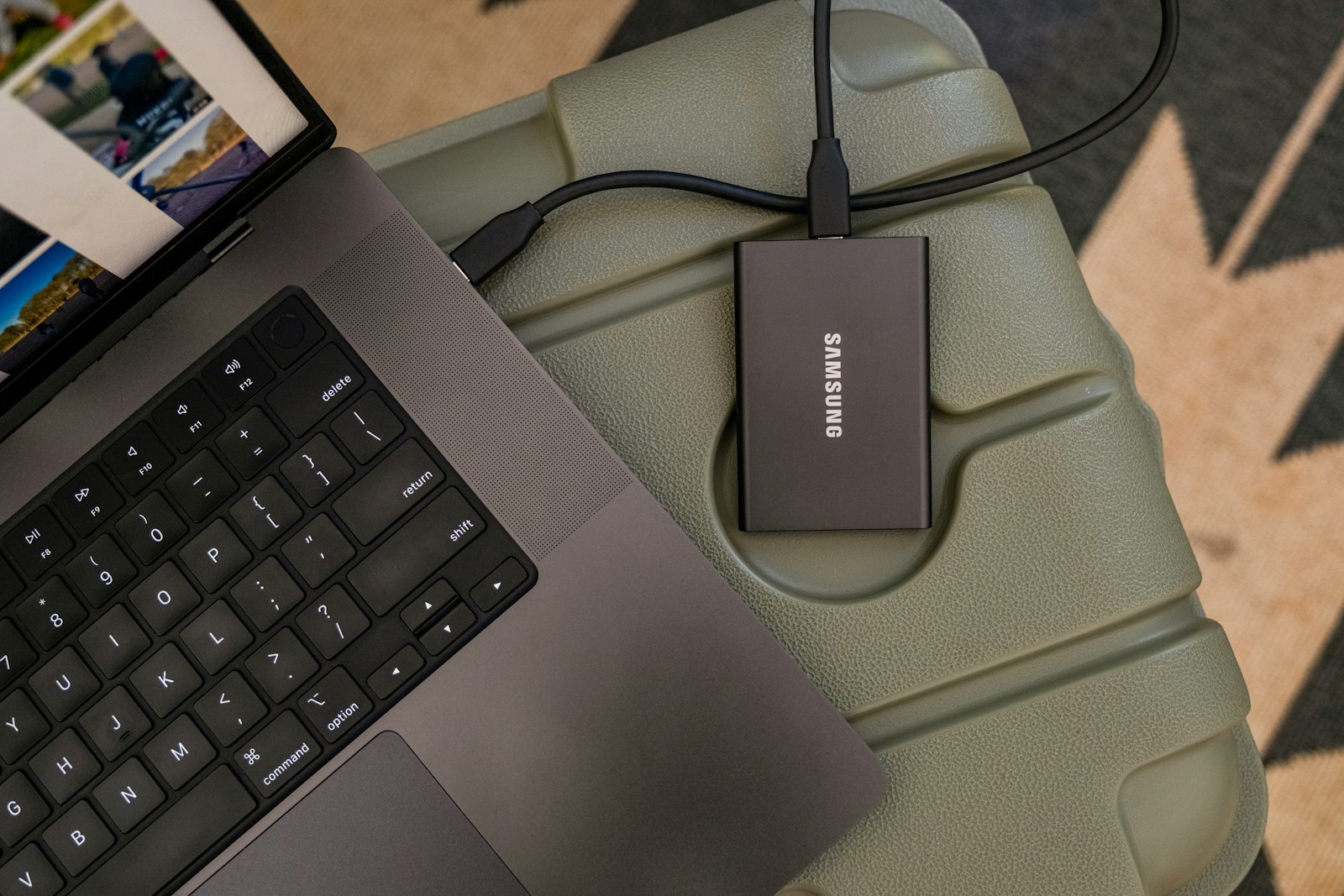
Cloud services have storage limits. Photos get compressed, deleted, or lost when you switch phones.
A Different Approach
What if every event had its own organized gallery? What if all the photos from your wedding , including the ones guests took , were in one beautiful, searchable collection?
That's the PicBee approach. Events are organized by occasion, not scattered across devices and services. Face recognition helps you find yourself across all events. And photos are preserved properly, not compressed into oblivion.
How PicBee Solves This
Event-Specific Galleries
Each event has its own dedicated gallery. Wedding photos stay with wedding photos.
Face Recognition Search
Find every photo of yourself across all your events instantly.
Permanent Collection
Photos aren't scattered across devices , they're in one organized place.
Easy Sharing
Share specific event galleries, not your entire photo library.
A Sample Workflow
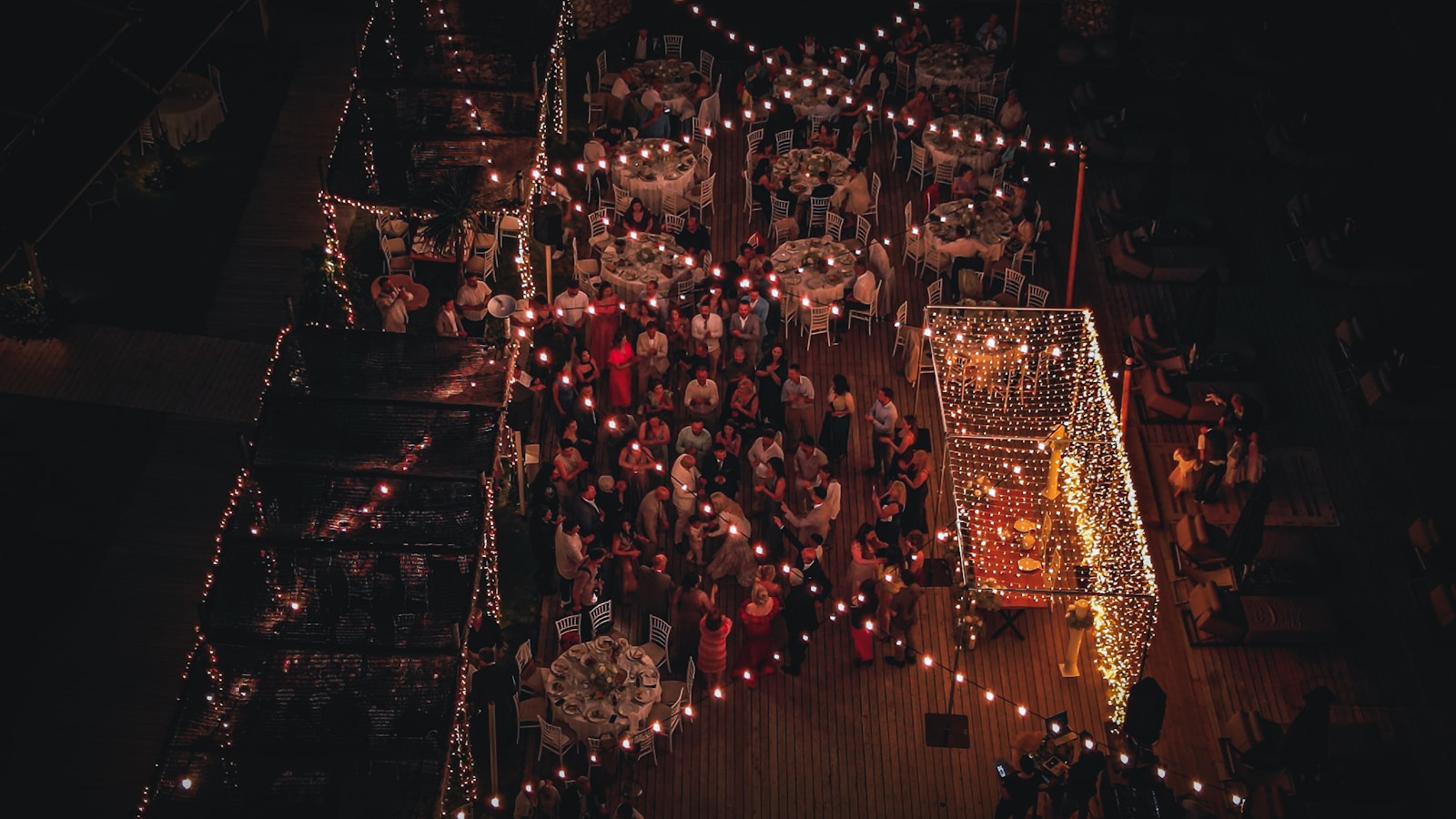
- At the event: Guests scan a QR code, upload directly to the gallery , no app download required.
- After the event: All photos arrive in one searchable archive, tagged by face.
- Years later: Search by name, scroll the gallery, or share a single link.
No cloud-shuffling. No "which service was that on?" Just an organized record of one event.
Frequently Asked Questions
How is PicBee different from Google Photos?
Google Photos is for general photo storage. PicBee is specifically for event photo collection. Events have their own galleries, guests can contribute without seeing your personal photos, and face recognition works across event contexts.
Can I import photos from cloud storage?
Yes, you can upload photos from any source to your PicBee event galleries. This includes photos already in Google Photos, iCloud, or on your device.
What happens to my photos long-term?
PicBee stores your event photos securely with no automatic deletion. You can download all photos at any time as a backup. We're built for preserving memories, not maximizing storage turnover.
Do guests need accounts?
No. Guests scan a QR code, upload, and they're done. They don't need a PicBee login.
Wrap-Up
Cloud storage is great for daily photo backup. It's terrible for organizing events. Use the right tool for the job , and stop letting your most important memories disappear into the noise.
Organize your event memories the right way.