Why WhatsApp Groups Fail for Wedding Photos
WhatsApp groups seem like an easy solution for collecting wedding photos, but they fail in every way that matters. Learn why and discover a better approach.

It seems like an easy solution , just create a group and have everyone share photos. But WhatsApp fails in every way that matters for preserving wedding memories.
If you only take one thing from this article: don't trust WhatsApp with the most important photos of your life.
The Problems with WhatsApp
Photos Get Compressed
WhatsApp compresses every photo, destroying quality. Your beautiful wedding moments become a blurry mess. A 12 MP iPhone photo lands in the group chat at roughly 800 KB , small enough to print as a postcard, too small for any real album.
Limited Group Size
WhatsApp groups cap at 1,024 members. Large weddings can't even invite everyone , and most large weddings have more than that across both sides of the family.
Chaos in the Chat
Important photos get buried under messages, reactions, and random comments. By the end of the night, finding a specific photo means scrolling through three hours of "Where is the bathroom?" texts.
No Organization
Photos appear in random order. Good luck finding specific moments , like the photo of your grandmother dancing with the flower girl.
Downloads Expire
Media eventually becomes unavailable if not downloaded. Photos sit in the chat for weeks, then quietly disappear when the user clears storage or switches phones.
Privacy Concerns
Everyone in the group sees everyone else's phone number. Awkward for distant cousins. Worse for vendors and acquaintances.
The Real Cost
Most couples don't realize until months after the wedding when they try to print photos or create an album. That's when they discover their precious memories are pixelated, and half the photos are lost in the chaos of the group chat.
Wedding photos are irreplaceable. You can't go back and re-take them. Why risk them on a tool that was never designed for photo collection?
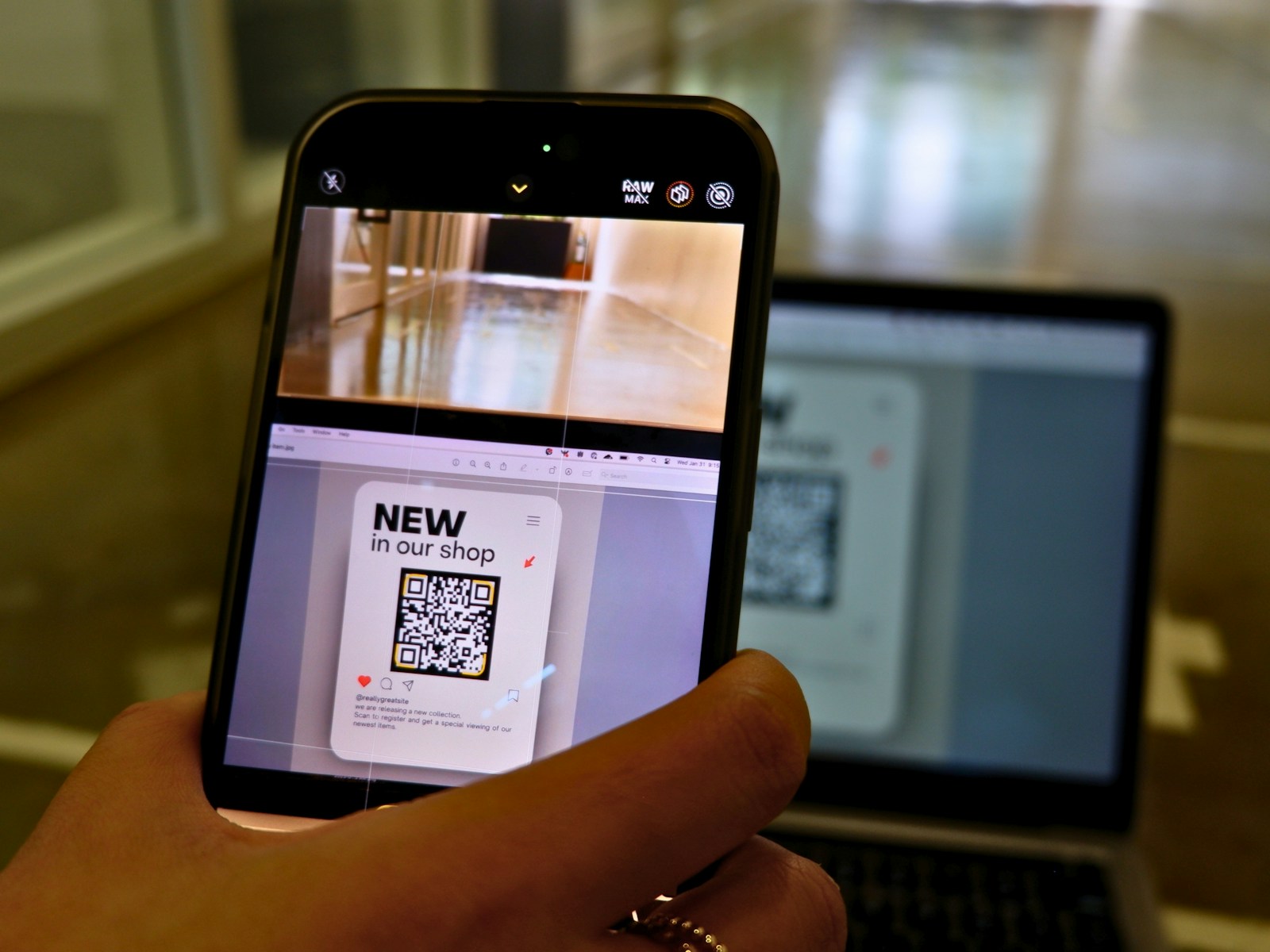
The Better Way: Purpose-Built Photo Collection
Full Quality Photos
Original resolution preserved. Your memories stay crystal clear , printable at any size.
Unlimited Guests
No limits. Invite every single guest to upload photos.
Beautiful Gallery
Photos organized in a stunning gallery, not a chat thread.
Face Recognition
Find photos of yourself instantly with AI face matching. Works on group shots too.
Permanent Storage
Your photos are safe and accessible for years , not "until WhatsApp clears your cache."
Privacy First
Guests don't see each other's personal info. No phone-number leakage. No accidental DMs.
A Migration Path (If You're Already in WhatsApp)
It's not too late. If you've already created a WhatsApp group:
- Set up a PicBee event gallery (takes 5 minutes).
- Share the QR code or upload link in the WhatsApp group.
- Ask guests to upload to PicBee going forward.
- Optionally: download whatever was already in WhatsApp and bulk-upload it to PicBee.
The already-shared photos will still be compressed, but at least everything new will be preserved properly.
Frequently Asked Questions
Is WhatsApp really that bad for wedding photos?
For casual sharing, WhatsApp is fine. But for collecting precious wedding memories, the photo compression alone makes it unsuitable. You're essentially throwing away image quality on photos you'll want to keep forever.
Can't I just ask people to send original quality?
Even with the "send as document" option, it's tedious. Most guests won't do it correctly, and you end up with a mix of compressed and full-quality photos with no organization.
What if I already created a WhatsApp group?
It's not too late! You can share a PicBee QR code in your WhatsApp group and ask guests to upload there instead. The photos already shared in WhatsApp are compressed, but future photos can be preserved properly.
What about iMessage or other chat apps?
Same compression problem. Same chaos problem. Same "where did that photo go?" problem. The category itself is wrong , you want a gallery, not a chat.
Wrap-Up
Group chats are great for coordination. They're terrible for memory-keeping. Use the right tool for the right job , and let your wedding photos survive at the resolution they were taken at.
Don't risk your wedding memories.